Tally Dascom DL-200 User Guide V1.3
10
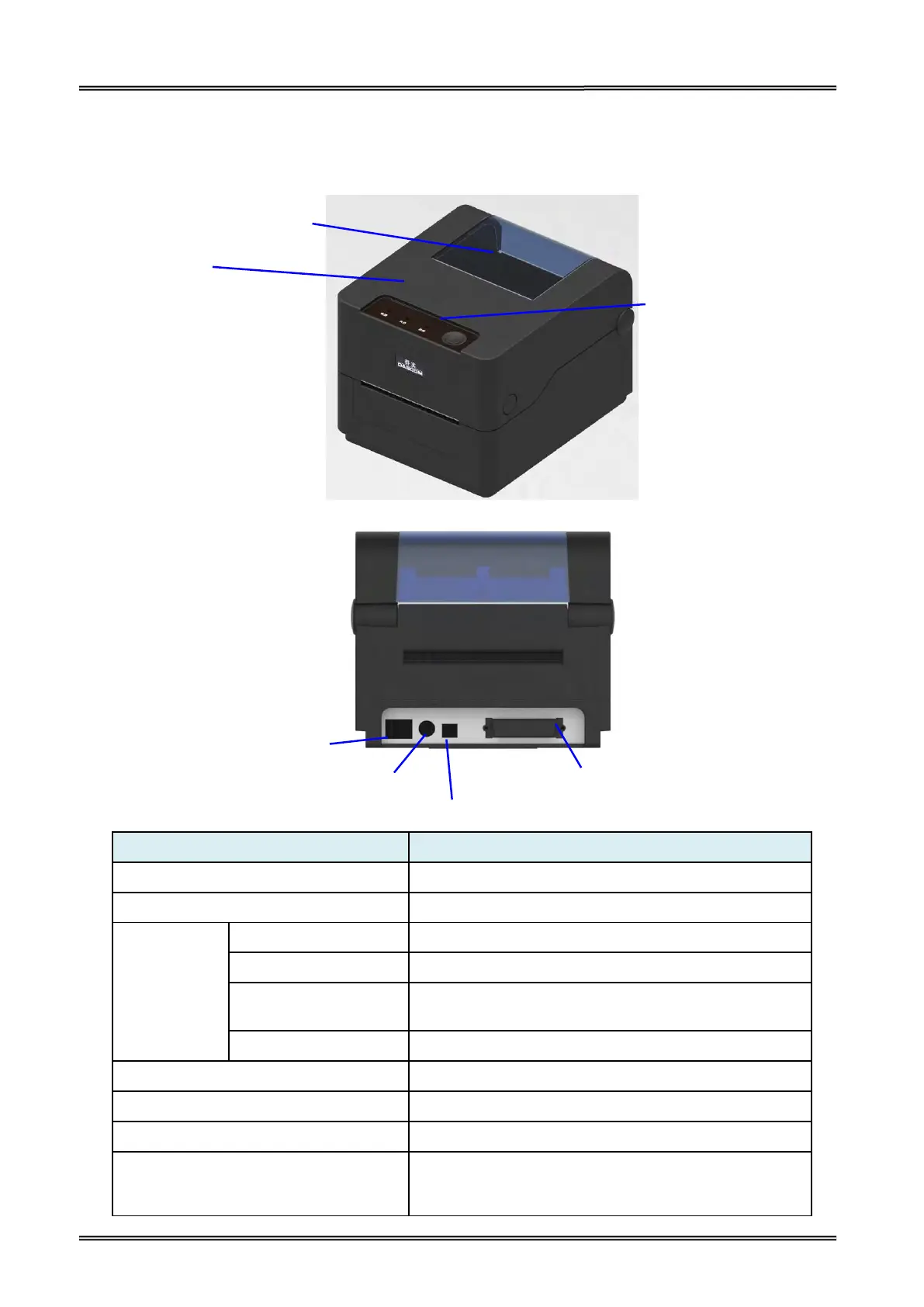
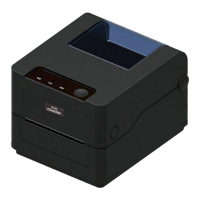
Printer components and their functions are shown as below:
Monitor the media status via this window
Open this cover for loading ribbon and media
Indicate the power status
Indicate the status of media, ribbon and label-taken
Indicate print head temperature and Print head
mechanism open or not
Press this key for feeding media
Connect power cord to the printer
For switching on/off printer
Connect USB interface cable from host
Optional interface
(Serial/ Parallel/ Ethernet/ Wi-Fi/
Bluetooth)
Connect optional interface cable from host
(interface type is on request)
Optional Interface
(Serial/ Parallel/ Ethernet/
Wi-Fi/ Bluetooth)


 To Next Page