Theselectionmadewillnotberetainedafterprinterpower-off.Forinformationonhowtose-
lectafontpermanently,refertoonlinedocumentationontheCD-ROM,chapter1(Menu
description table).
➤Settingthe
characterpitch
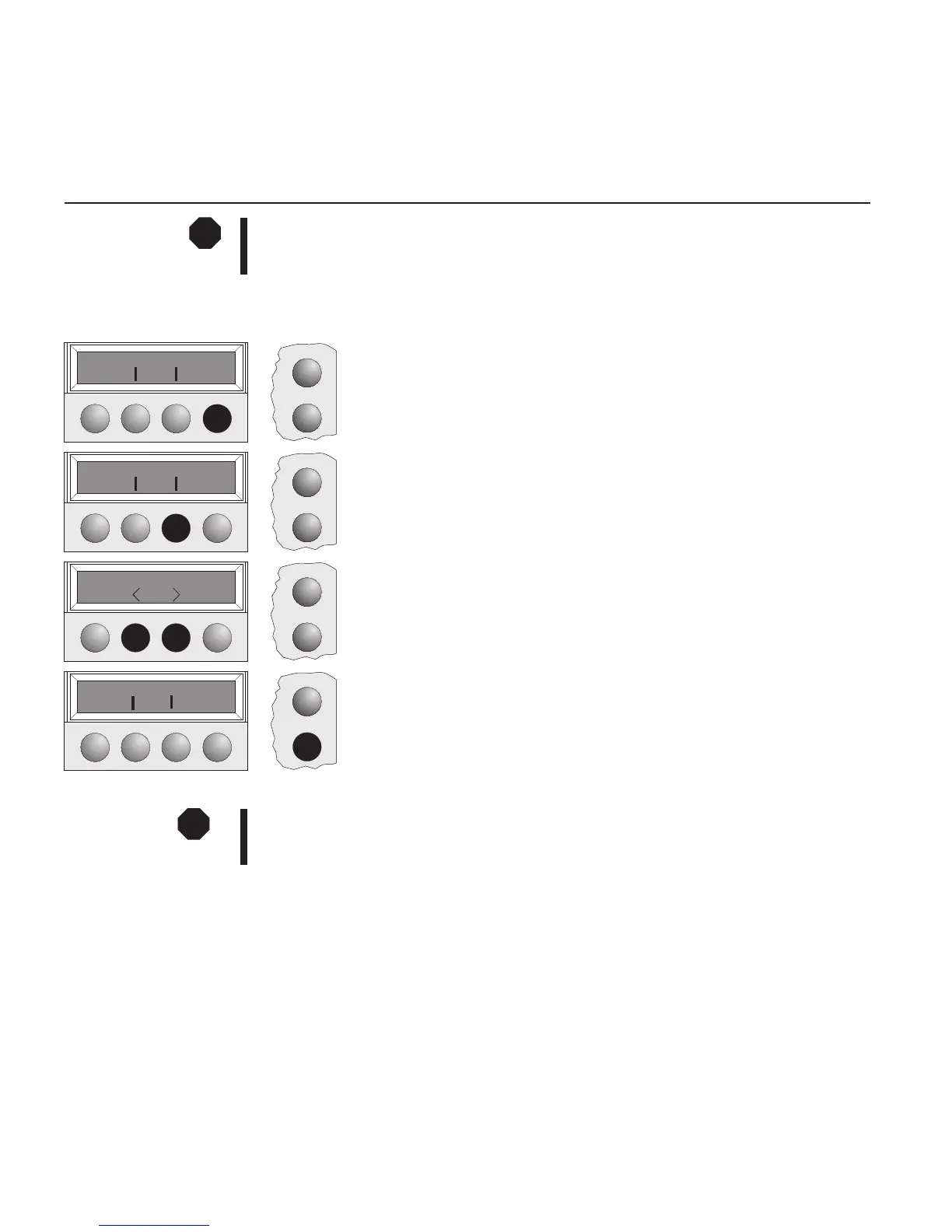
YoucanusetheCPIkeytosetthecharacterpitchinSetupmode.
PresstheSetupkey.
PresstheCharkey.
PresstheCPIkey.
Pressthe<or>keytoselectthedesiredpitch.
ConfirmyourselectionbypressingtheSetkey.
PresstheSetupkey.Theprinterreturnstoitsinitialstatus.
YoucanalsopresstheOnlinekey.TheprinterchangesdirectlyinOnlinemode.
Theselectionmadewillnotberetainedafterprinterpower-off.Forinformationonhowtoselecta
fontpermanently,refertoonlinedocumentationontheCD-ROM,chapter1(Menu description
table).
STOP
Setup
Online
Adjust Paperway
Menu Char
Setup
Online
Font CPI
Setup
Online
10CPI *
Set Exit
Setup
Online
Font CPI
STOP
Settings(II) Quickstart-up
22



 To Next Page