Accessories Quick start-up
24
For more information on printer specifications and paper specifications, refer to the online
documentation on the CD-ROM.
Accessories Ribbon cassettes
Narrow printer: Part No. 044 829
Wide printer: Part No. 044 830
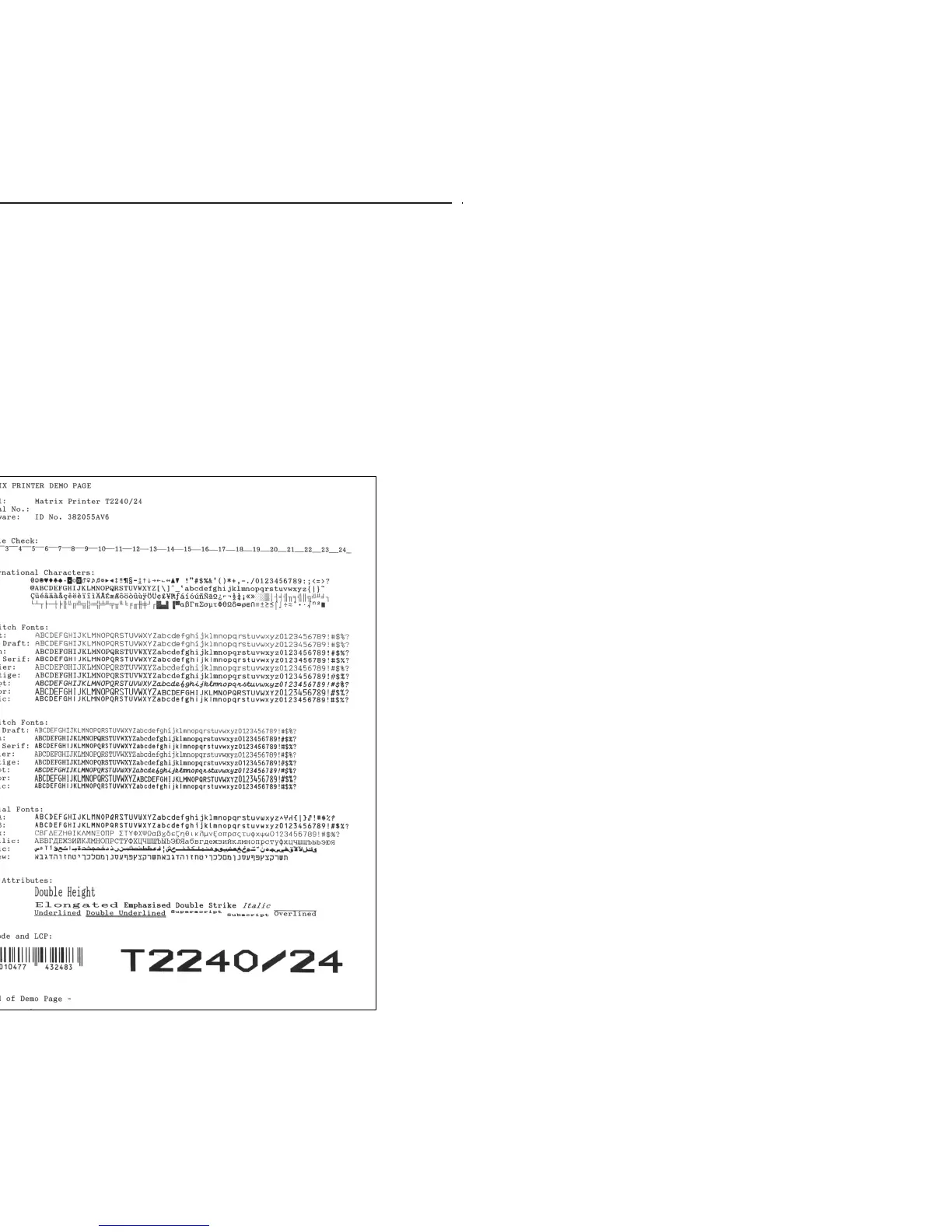
Demo page The demo page contains information on the firmware version, serial number, needle check,
fonts, font attributes and bar codes/LCP.
Hold down button 4 while switching on the printer to print the demo page.
To terminate printing, switch off the printer.



 To Next Page