EasyManua.ls Logo

TallyGenicom 2380 - Page 77

TallyGenicom 2380
184 pages
Print Icon
To Next Page IconTo Next Page
To Previous Page IconTo Previous Page
Loading...
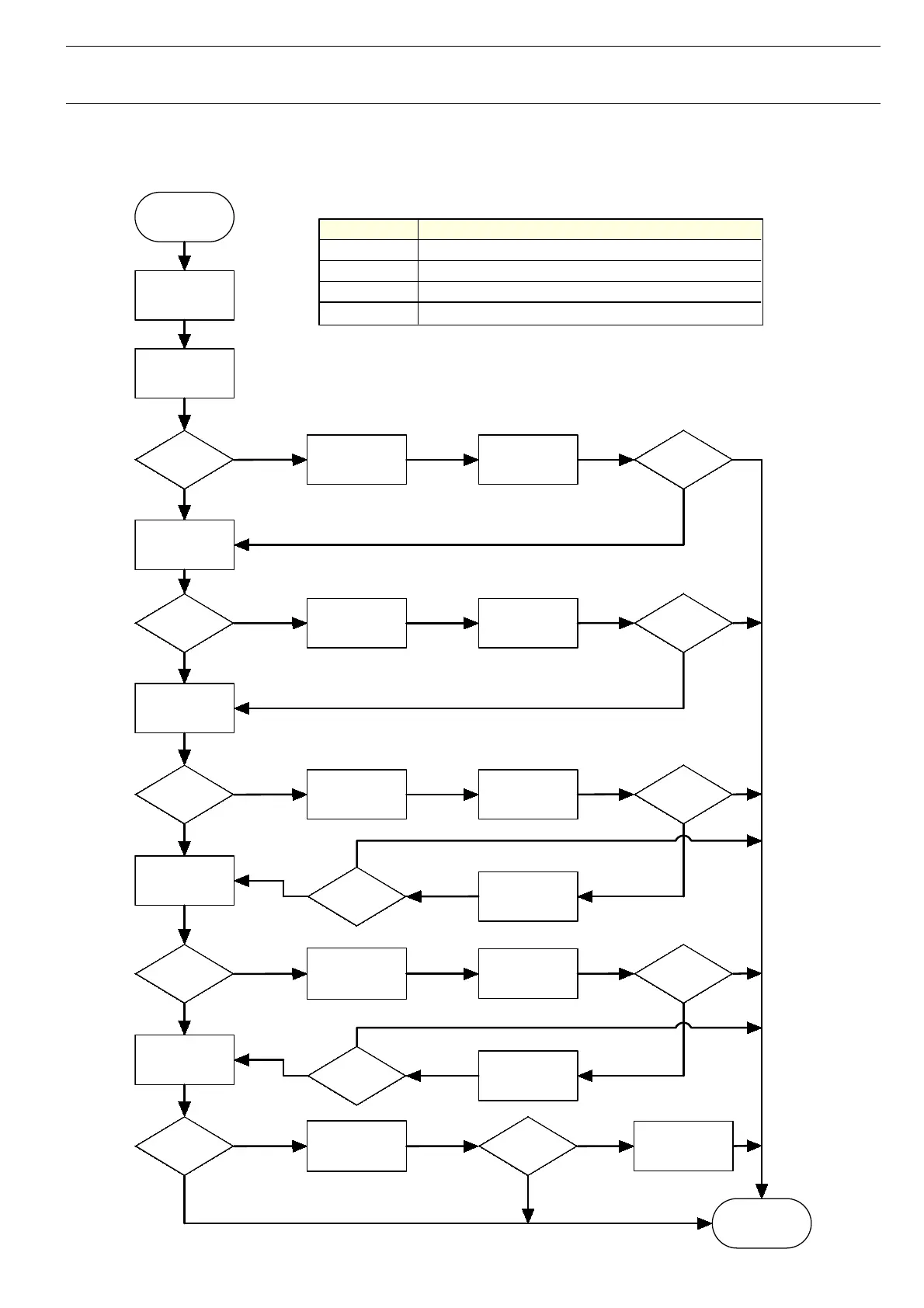
Testmodes and Troubleshooting Troubleshooting
4-15
ETH
-
INT
Power ON
both LED on
for a second 3)
Install new
Firmware
NO
Problem
solved?
Orange LED
ON
YES
Set Host Switch
to Full Duplex 1)
Problem
solved?
orange LED
OFF
YES
NO
Set Host Switch
to Half Duplex 2)
Problem
solved?
YES
NO
Connect
printer using
CAT5e
cable
Problem
solved?
green LED
Flashing
YES
NO
Replace Main
Controller
OK?
Change switch;
potentially
install Hub
OK
YES
NO
END
YES
NO
Trace Data 4)
YES
NO
YES
NO
YES
NO
NO
YES
ETH
-
INT
Internal Interface - Problem (printer does not receive data)
1)
Alternatively set link mode of printer to Half Duplex
2)
Alternatively set link mode of printer to Full Duplex
3)
LEDs
first go on for 1-
2s
then off then they
achive
normal condition
4)
Supply this data to your technical support
Alter speed
(10/100)
OK?
YES
NO
Install new
Firmware
OK?
YES
NO

Table of Contents