Monitoring Functions Testmodes and Troubleshooting
4-18
4.3
Monitoring Functions
To get the actual values (4 digits) of
head/platen clearance
printhead and CR motor temperature
horizontal carriage position
position of AGA-Flag
during normal ONLINE condition, a special monitoring function has been
implemented.
The head/platen clearance will be displayed in a relative range of to 100. It doesn’t
matter if AGA option switched on or not. In case of AGA = On, the actual relative value
is displayed; in case of AGA = Off, the manual set value is (constantly) displayed.
The current value of printhead temperature is shown only if the temperature rises-
above approx. 90 °C or higher. Below this, 3 hyphens are displayed.
– The printer must be totally assembled and the top cover must be closed.
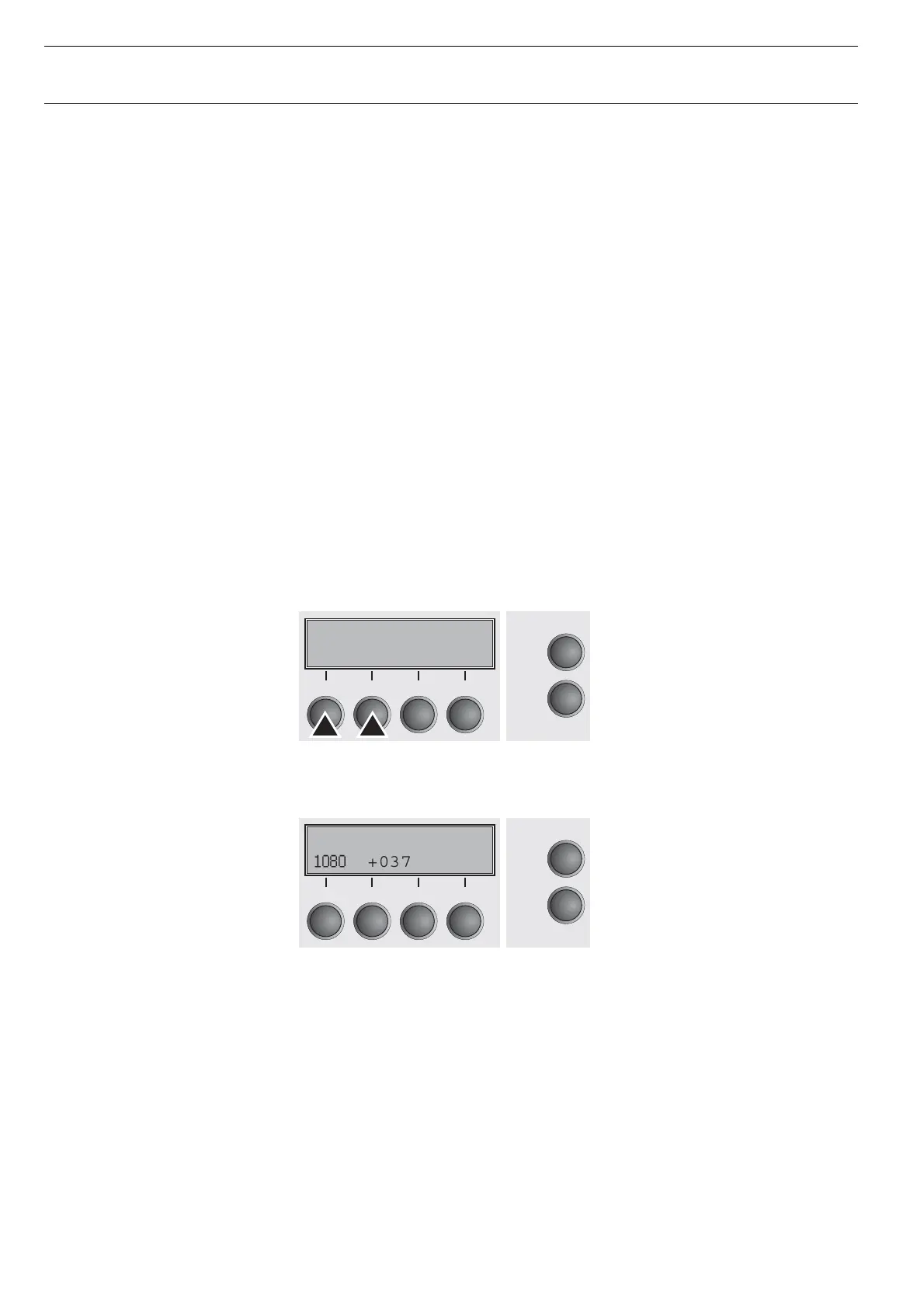
– Press softkeys 1 and 2 simultaneously while PowerUp until TESTMODE is
displayed.
– The display will answer similar as follows.
– Load paper from any path and run your tests.
Initializing
Online
Setup
21
3
4
+0253 018N---
1080
+0377 Load
Online
Setup
21
3
4




 To Next Page