36 TASCAM DP-004
4–Preparations
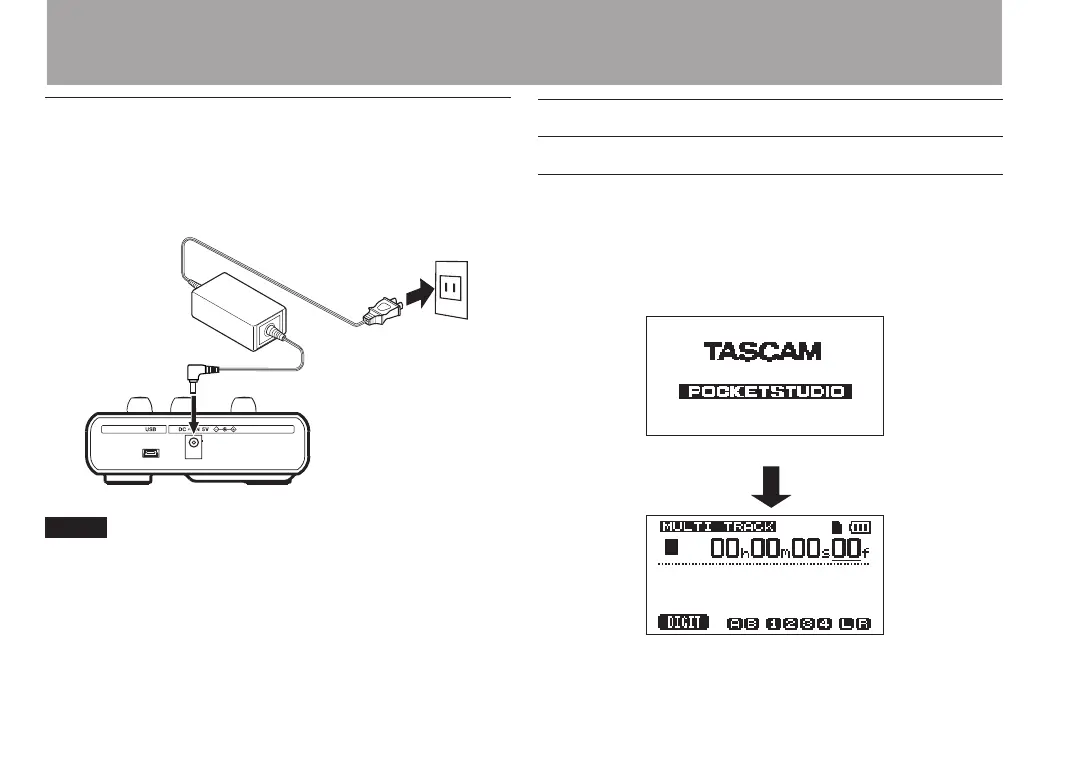
Connecting an AC adapter (sold separately)
To use the PS-P520 AC adapter (sold separately),
connect the adapter to the unit and the adapter to the
power cord before plugging it into an outlet.
TASCAM
PS-P520
(sold separately)
DC plug
AC outlet
The adapter powers the unit if the adapter is connected
even if batteries are installed.
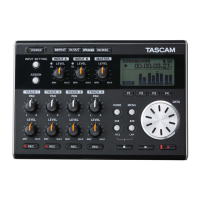
Start-up & shutdown
Starting up the unit
Press and hold the POWER key on the top panel until
“
TASCAM
” appears (or the POWER key indicator lights
green). After the start-up screen, the Home Screen
appears.
Start-up screen
Home Screen


 To Next Page