8–Miscellaneous Functions
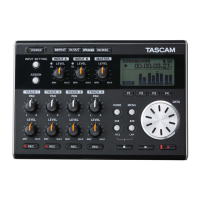
TASCAM DP-004 79
1 When the Home Screen is open, press the MENU key
to open the
MENU
screen.
2 Turn the DATA wheel to select
PREFERENCE
, and press
the F4 (¥) key to open the
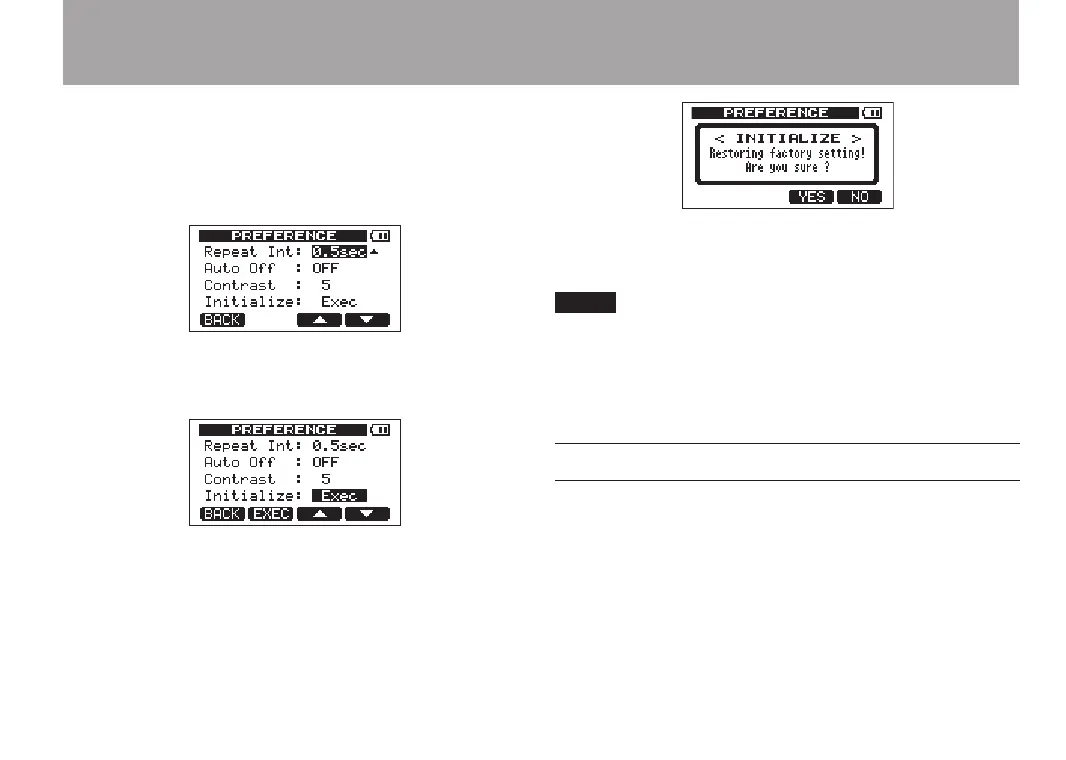
PREFERENCE
screen.
3 Use the F3 (§) and F4 (¶) keys to select
Exec
next to
the
Initialize
item.
4 Press F2 (
EXEC
) to open a confirmation screen.
Press F3 (
YES
) to initialize the unit. The
PREFERENCE
screen reopens when the process finishes.
Press the F4 (
NO
) key to cancel initialization.
5 When finished, press the HOME key to return to the
Home Screen.
Viewing information
You can view information about the current song,
the SD card, the system and the rmware.
1 When the Home Screen is open, press the MENU key
to open the
MENU
screen.
2 Turn the DATA wheel to select
INFORMATION
and press
the F4 (¥) key.


 To Next Page