80 TASCAM DP-004
8–Miscellaneous Functions
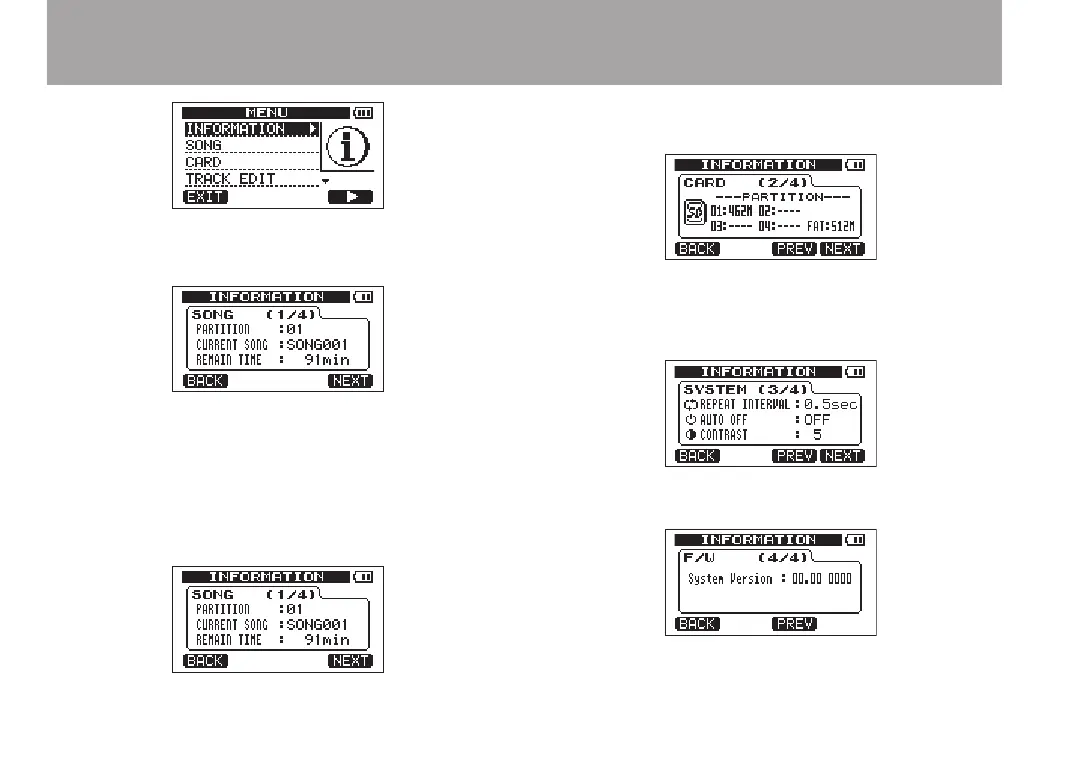
The
INFORMATION
screen
SONG
page appears.
The
INFORMATION
screen has four pages including
this one.
3 Use the F3 (
PREV
) and F4 (
NEXT
) keys to change the
page. The pages contain the following information.
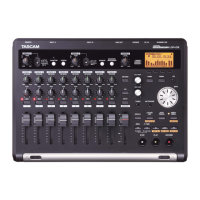
SONG
page: name and partition of currently loaded
song, remaining recording time on partition
CARD
page: MTR partitions and capacities, FAT
partition capacity
SYSTEM
page:
Repeat Interval
,
Auto Off
and
Contrast
settings
F/ W
page: system rmware version


 To Next Page