11–Exchanging Data with a Computer
TASCAM DP-004 95
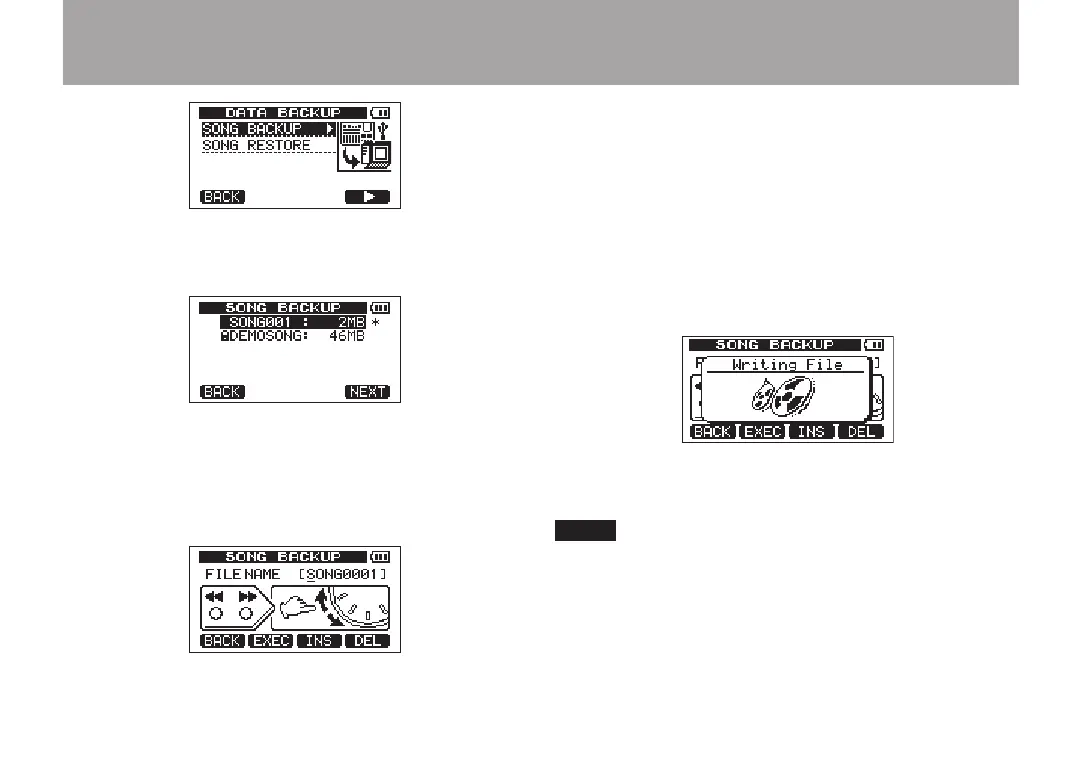
2 Use the DATA wheel to select
SONG BACKUP
, and press
the F4 (¥) key to open a song list.
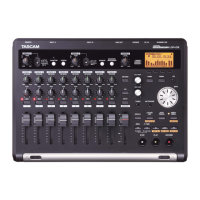
3 Turn the DATA wheel to select the song that you
want to backup, and press the F4 (
NEXT
) key.
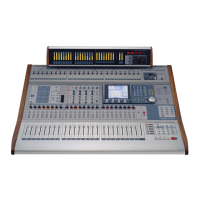
A screen appears that allows you to set the file
name for the song being backed up.
4 Use the
Ô/
keys, the DATA wheel and the F3
and F4 keys, to name the song (maximum of 8 char-
acters) (see “Editing names” on page 43).
5 After setting the name, press the F2 (
EXEC
) key.
A backup copy of the song on the active partition
is made on the FAT partition (“.001” is added as an
extension).
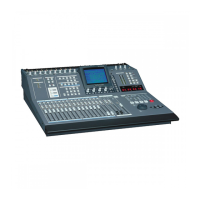
“
Writing File
” and an icon appear on the display.
When the backup copy is complete, the
DATA BACKUP
menu reopens.
If the open space necessary to back-up a songs is not
available in the FAT partition, an error message appears.
In this case, connect this unit and a computer, and erase
unnecessary files on the partition using the computer to
make enough open space.


 To Next Page