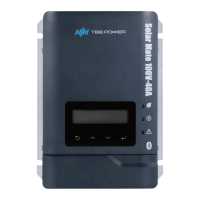
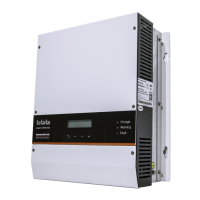
MPPT charge controller User Manual
4.3 Power OFF
After the MPPT charger is power OFF, there is still residual power and heat in the
chassis, which may lead to electric shock or burn. Therefore, after the MPPT charger is
powered off for 5 minutes, you should wear protective gloves before removed the MPPT
charger.
Please step by step as following instructions.
Step 1: Remove the 2P phoenix terminal which is inserted into the EPO.
Step 2: Turn off the circuit breaker between the PV array and the MPPT charger.
Step 3: Turn off the circuit breaker between the battery and the MPPT charger.
Step 4: Insert the 2P phoenix terminal in the attachment package into the Input Dry interface of
the MPPT charger.
4
4
.
.
4
4
Setup Wizard
Setup Wizard
Power ON at the first time or after restoring factory settings, the MPPT charger needs to enter the
setup wizard to work normally. The user can also reset the Setup Wizard through the Parameter
Set interface.
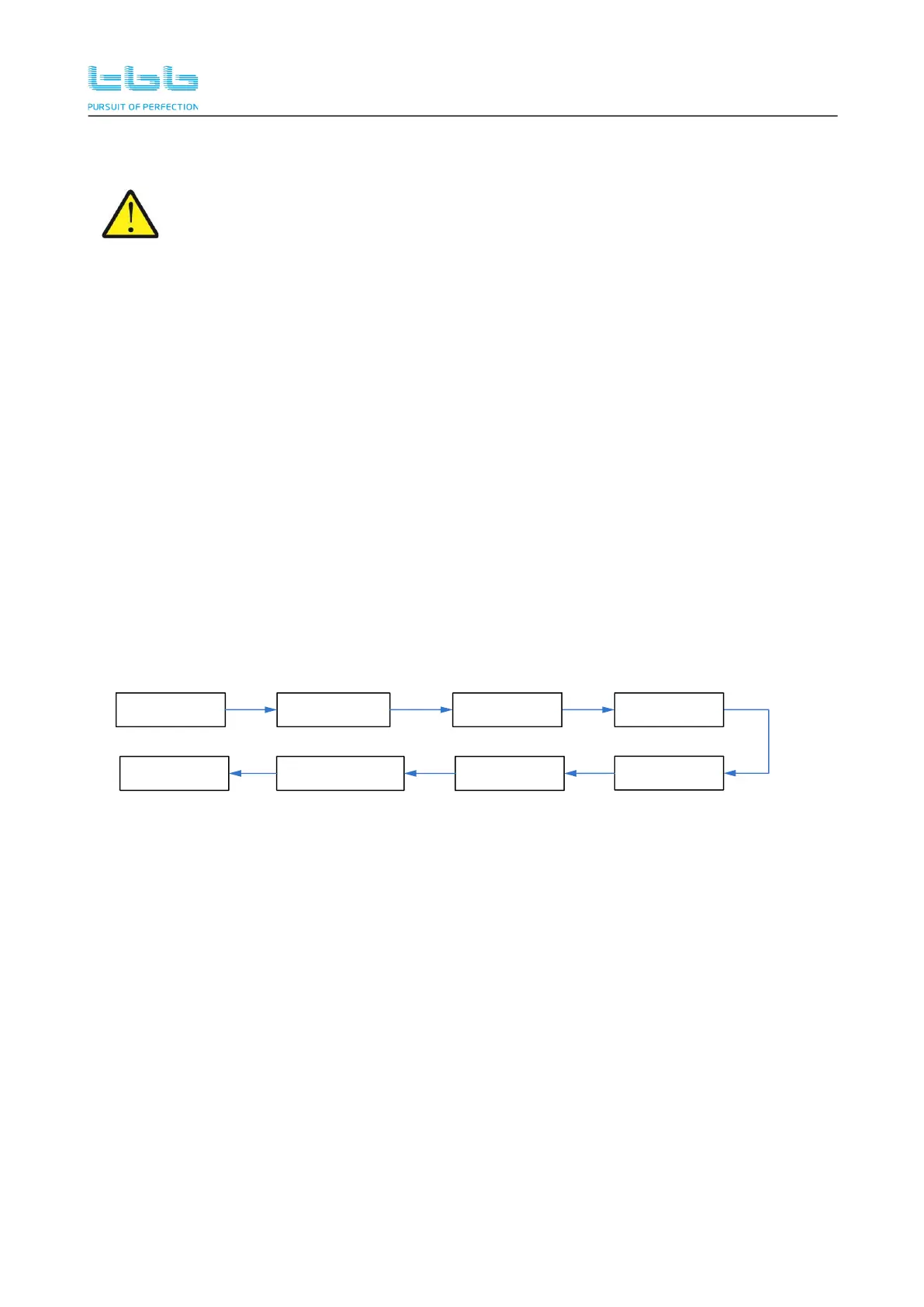
The setup wizard list is shown in the flow diagram.
Enter The
Setup Wizard ?
Time Set
2019-06-17 17:03
CHG_Max_Current
120A
Rate_BAT_Volt
48V
BAT_AH
1000AH
BAT_Type
0-GEL/OPzV
U_AVE_CHG
14.1V
U_Float_CHG
13.6V
Note: If you want to leave the default values unchanged during the setup process, simply press
<Down> to prompt <Confirm?> , and press <Enter>.


 To Next Page