MPPT charge controller User Manual
5
5
.4 Information query interface
.4 Information query interface
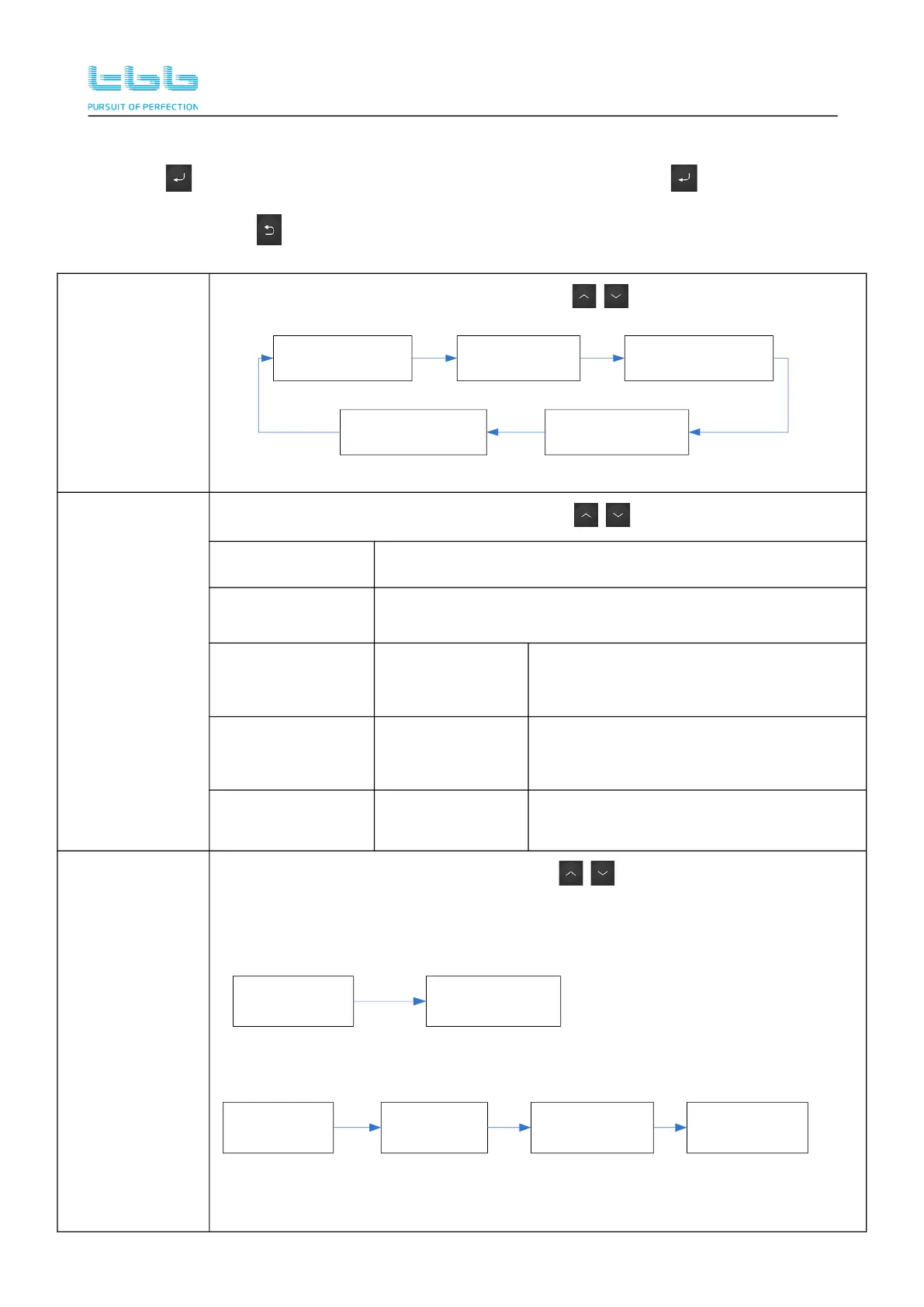
Press the in the standby interface to enter the 1st level menu. Press the button on the first
level menu to enter the corresponding 2nd level menu. Some 2nd level menus can enter the 3rd
level menu. Press the to return the upper level menu.
>Running Info
Enter to see more Running information. Press to scroll through the pages.
U_PV 101.5V
P_Output 1000W
U_BAT 56.4V
I_CHG 17.4A
Load_Percent 15%
T_Inside 32
℃
T_Heatsink1 32
℃
T_Heatsink2 32
℃
T_BAT_EXT N/A
>Statistic-Info
Enter to see more statistics information. Press to scroll through the pages.
>E_Today Today’s statistic information
>E_Yesterday Yesterday’s statistic information
>E_Monthly
>E_October
>E_Oct 16th
……
Every day’s statistic information.
>E_Yearly
>E_July
>E_August
……
Every month’s statistic information.
>E_Total >E_MPPT Totally statistic information.
>Current Error
Enter to see current error information. Press to scroll through the pages.
The first line is the corresponding code for the fault or warning flag.
The second line is specific information.
Displayed when there are some fault:
MPPT Err 08
T_HS_OT
MPPT Warn 05
NTC_HS_Fault
>Current Error
MPPT Warn 06
T_BAT_OT
0 error
0 warning
>Current Error


 To Next Page