MPPT charge controller User Manual
5
5
.2 Initial interface
.2 Initial interface
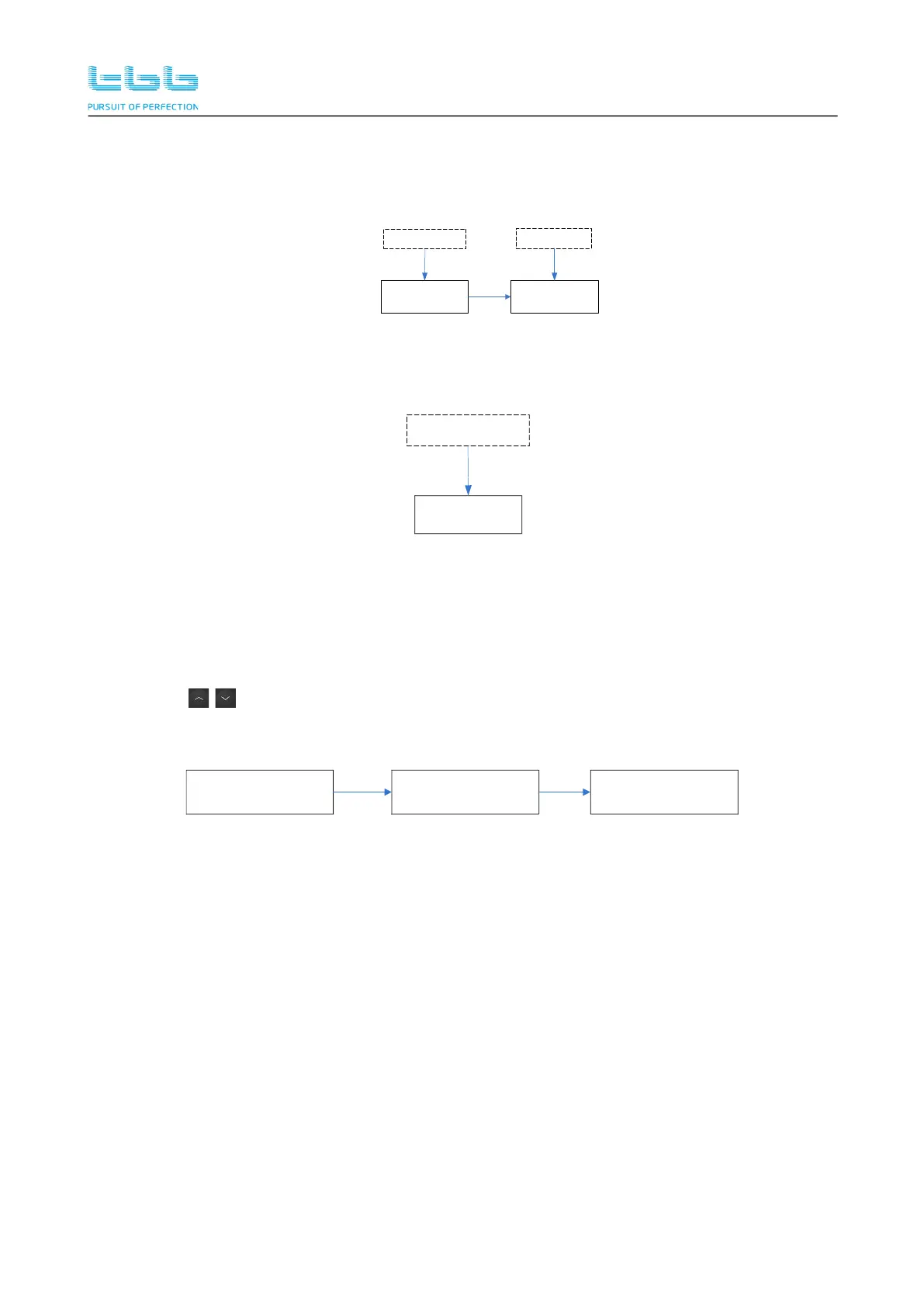
After power-ON, the LCD will have a boot animation of the screen and light the backlight, and then
display the following information in sequence.
TBB Power Solar Mate
SP150-120
Logo
Model Series
Note: In the boot interface, the LCD will establish contact with the Inverter. If there is a
communication failure, the communication fault will be displayed.
MPPT Warn 30
Comm Inner Err
Com error warning
5
5
.3 Real-time information interface
.3 Real-time information interface
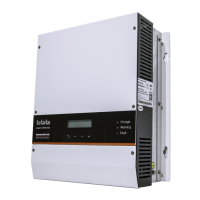
The LCD standby interface is a real-time information display interface, which displays detailed
device working status. The default polling display time is 5S, and the time can be set manually.
When press to turn pages, the default will stop 30S on the current page, and the time can
be set manually.
2019-06-10 13:26
Charger_Standby
U_PV 103.4V
P_Output 0W
U_BAT 53.4V
I_CHG 0.0A


 To Next Page