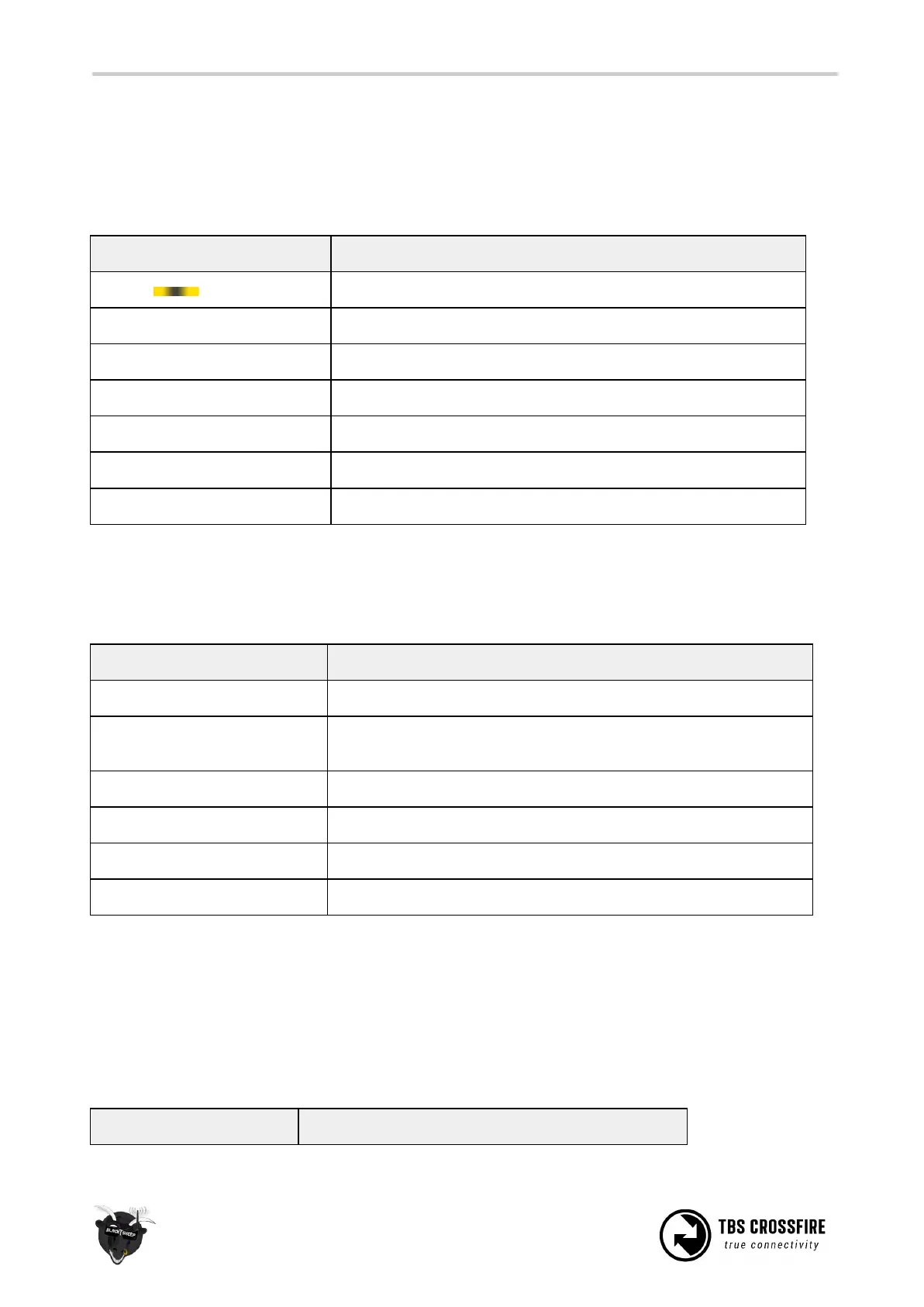
Transmitter LED status indicator
The RGB LED on the transmitter gives you at any moment an indication of your link status. Going from
green to yellow. Once you are in yellow your RSSI values are either very low or you are already in the
low-framerate link mode.
Transmitter LED sequence
Ready, trying to connect to receiver or no down link established
Solid uplink, 150 Hz or 50 Hz link mode active
Update of the receiver is running
Fast green flashing ■ ■ ■ ■
(Standard TX) Transmitter bootloader active
Fast red flashing ■ ■ ■ ■
Warning, a message is shown on the OLED display/ LUA Script
Find-mode engaged (standard TX only)
Receiver LED status indicator
There are four (Diversity RX) or two (Nano and Micro RX) LEDs on the receiver giving you an indication of
link- and backup-battery (Diversity RX only) status.
Link is up and running OK
No packages received from the transmitter and receiver is in
failsafe mode
Fast red blinking ■ ■ ■ ■
Receiver needs a update, confirmation on the tx is required
Slow green blinking ▀ ▀ ▀
Receiver is in binding mode
Fast green blinking ■ ■ ■ ■
Receiver bootloader active or firmware upgrade
Green is flashing █ █ █
Diversity RX is in Find-mode (up to 1 min. delay between flashing)
If the receiver is in Find-mode it can be cancelled by pressing the “Bind”-button. So if you are back home
and the receiver still thinks it got lost, you can turn it off like by pressing the button once. Or check the
OLED screen to deactivate the Find-mode from the transmitter (Standard TX).
The on-board LiPo battery in the receiver is automatically charged every time the receiver is used. The
third LED indicators on the receiver’s front face displays the current state of the battery.



 To Next Page