rx you need to rebind the receiver.
Region settings:
Since one of the early firmwares you can choose a region in the Frequency setting to use your TBS
CROSSFIRE according to the regulations. Some of these modes locks your Crossfire to the allowed
frequency and transmission power. Also some settings will disappear until.
If you locked your Crossfire by accident, you can unlock it by following these manual.
Operating modes
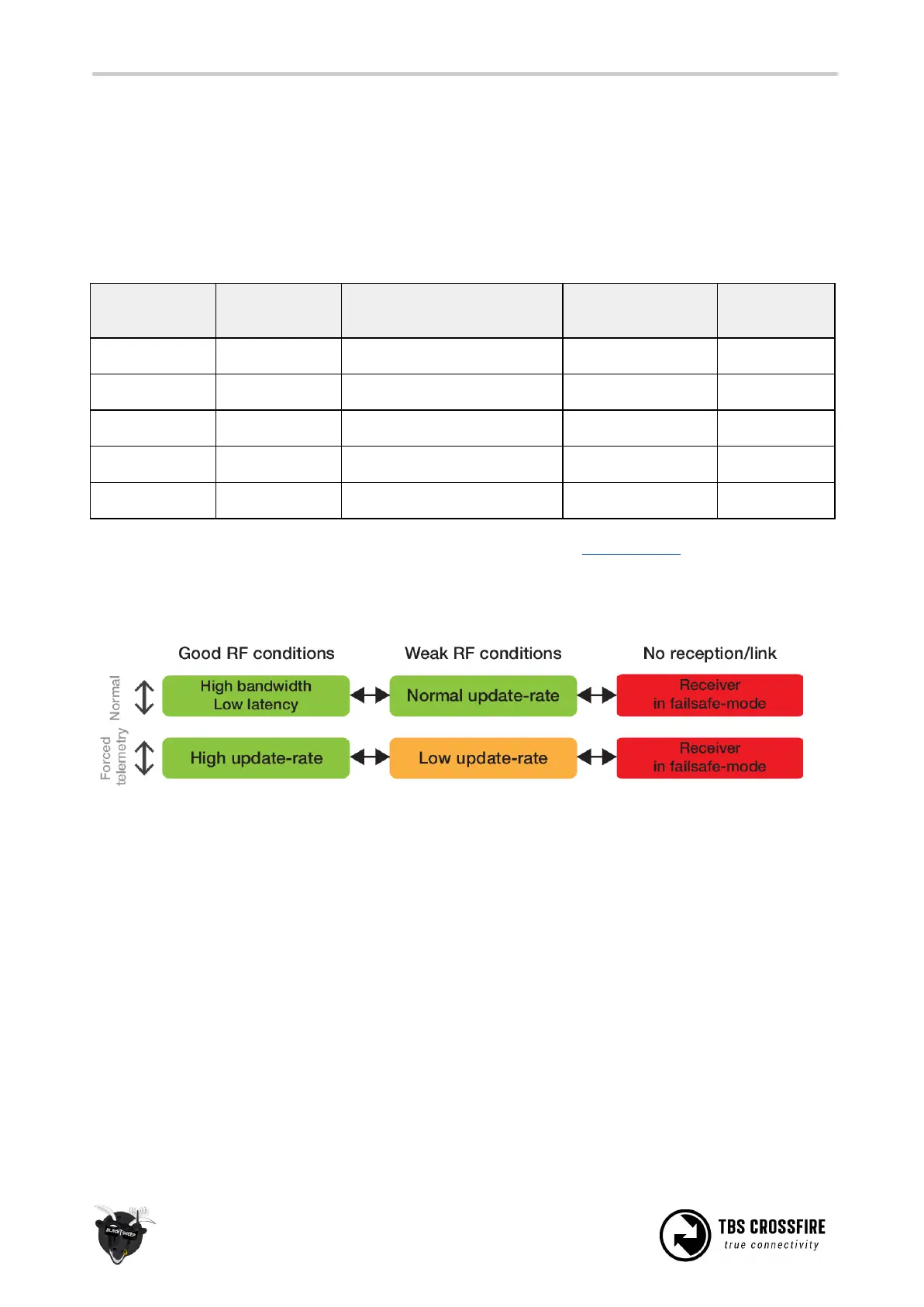
The link has two operation modes which are based on three RF profiles. Every mode has its pros and cons.
TBS CROSSFIRE always switches between two RF profiles, depending on the current link health while you
are flying. The two profiles used is according to your decision to use “Normal” or “Force telemetry” modes.
Which two RF profiles are in use for each mode is showed in the diagram above. We recommend to use
the default “Normal” mode as is fits the most of the use cases.



 To Next Page