Setup
Getting set up and ready to fly is a quick and simple task. In most cases plug&play when using common
R/C equipment.
Connecting CROSSFIRE Standard Transmitter to radio
Using JR-adapter
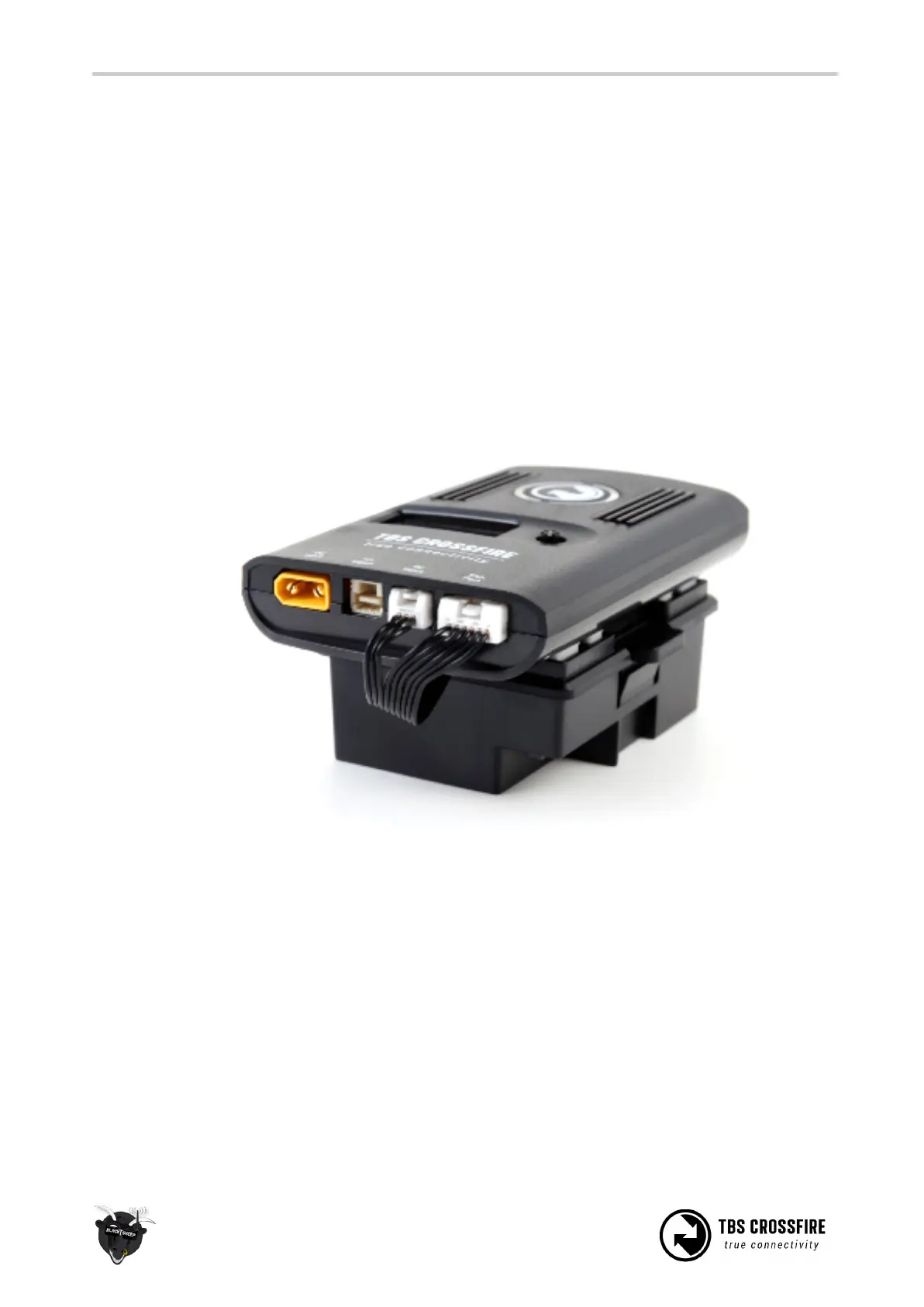
The kit comes with a JR-adapter which simply works as a connection bridge between the JR-pins on the
radio and the TBS CROSSFIRE transmitter. The adapter simply fits into the slot on the back of the radio. The
radio battery power to the TBS CROSSFIRE and no additional power is necessary for RF output up to
500mW. As of firmware V2.40, ability to unlock 2W RF power when powered from RC- or HT-port (at own
risk).
Insert the JR-adapter into the slot on the back of the radio, remove the adhesive sheet from the TBS
CROSSFIRE back and align the four studs with the matching holes on the transmitter. Connect the 3-pin to
the left port (RC) and 6-pin cable (expansion) to the right port on the transmitter.



 To Next Page