Configuration
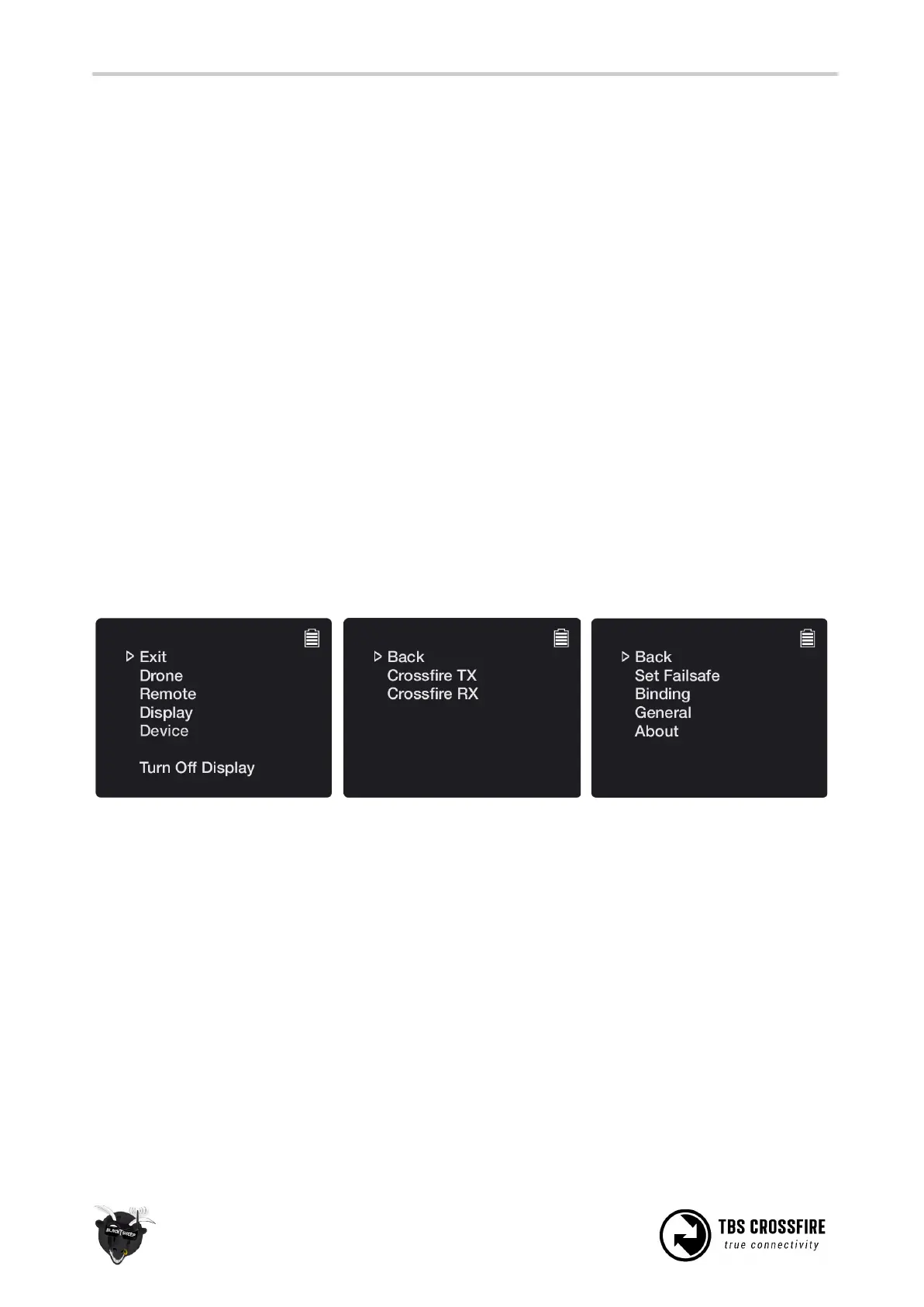
Changing any setting related to the TBS CROSSFIRE R/C link is done using a handy OLED display and
five-way joystick on the back of the standard transmitter (Standard TX), or via the TBS TANGO display for
the micro transmitter or by OpenTX LUA scripts. All configuration for the receiver, including servo signal
type and binding, can be initiated from the display only.
Standard transmitter configuration
Use the joystick on the transmitter to enter and navigating the menu system:
● Configuration menu - long press the joystick, 3 seconds
● Enter change - short press the joystick or left navigation
● Select item - short press or right navigation
● Menu navigation - Up, down, left, right, or joystick press
Micro transmitter configuration
To configure the internal settings on the micro transmitter, a TBS TANGO remote or an OpenTX radio with
LUA scripts is required. The changes are stored internally on the transmitter module, so if you do not own
such a remote, you can borrow one for a minute to make the necessary changes and then pop it out.
Pick the “Crossfire TX” module to
find a listing of all the available
modes and changeable settings



 To Next Page