20 BRICKWALL HD User Manual
8.7 Presets and the optional Desktop
Controller
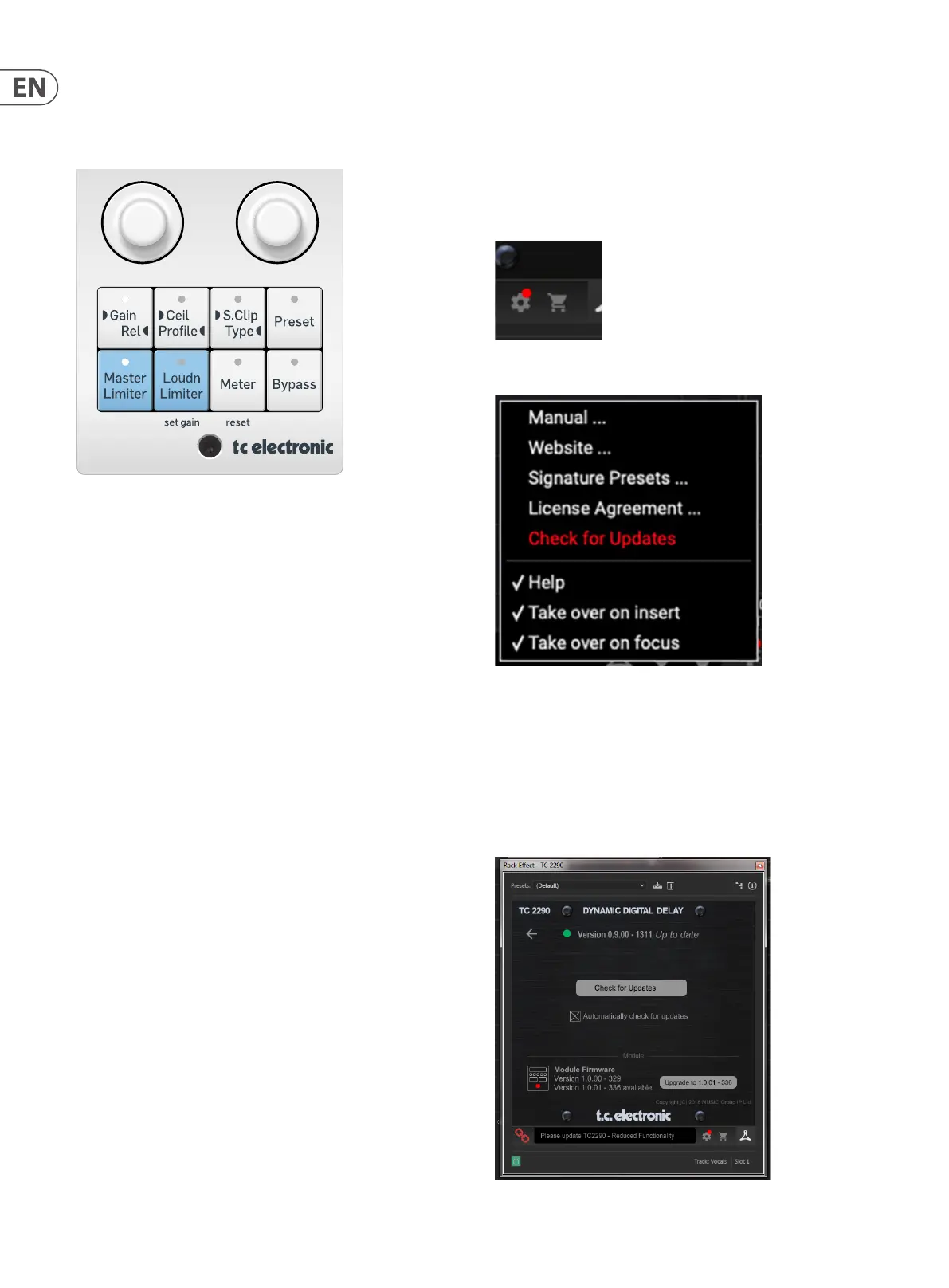
Presets can also be recalled from the hardware unit by pressing the PRESET
button.
Rotate the hardware knob to scroll through presets one slot at a time, or use your
computer's keyboard to enter a specic preset number, followed by the ENTER
button.
9. Software Updates
New versions of the software may be released to add new features and improve
performance. Updates can be detected from the plug-in directly and can be
installed after download from the website. See Chapter 2 for plug-in installation.
If the ’Automatically check for updates’ option is checked inside the update
menu, the red dot will appear on the settings icon when a new plug-in
is available.
Click the gear icon and select “Check for Updates” to perform a scan.
9.1 Hardware Unit Software Updates (optional)
The hardware unit rmware will be included in each plug-in update.
After you have installed a new plug-in, the system will detect mismatched
rmware and indicate a need for update via a small red dot on the gear icon.
Click the “Upgrade to x.x.xx” eld to start the update. Progress will be indicated
in the plug-in, and the Feedback LED on the hardware unit will ash. (This
example shows a TC2290 plug-in.)



 To Next Page