1
About this Guide
ThisGuideprovidesanintroductiontoyourTDGenerationsolution,hardwarefunctionality,performing
financialtransactions,administrationfeaturesandtroubleshooting.Forfurtherinformationregardingits
useandavailablefeatures,pleasereviewouronlinedocumentationat
www.TDMerchantServices.com/ResourceCentre.
Merchant Welcome Kit Contents
Quick Start Guide
Pamphlets
• How to Help Prevent Fraud
• Payment Card Industry Data
• If you have a problem or concern
Information sheets
• What you need to know about
chargebacks
• Payment card industry data security
standard (PCI DSS)
Miscellaneous
• Paperrolls(3+1intheterminal)
• Cleaningcardandinstructions
• Cardacceptancedecals(Visa®,
MasterCard®,Discover®,American
Express®,Interac®DirectPayment,
etc.)
The TD Generation Shared POS
Theterminalissolelyforyou,ourMerchant.Youwillusetheterminaltoinitiatetransactionsfor
customer’susingcredit,debit,loyaltyorgiftcards.Dependingonyoursettings,somecardtypesmaynot
beacceptedbyyourterminal.Forloyaltyandgiftcardinformation,pleasegotoouronlinedocumentation
atwww.TDMerchantServices.com/ResourceCentre.
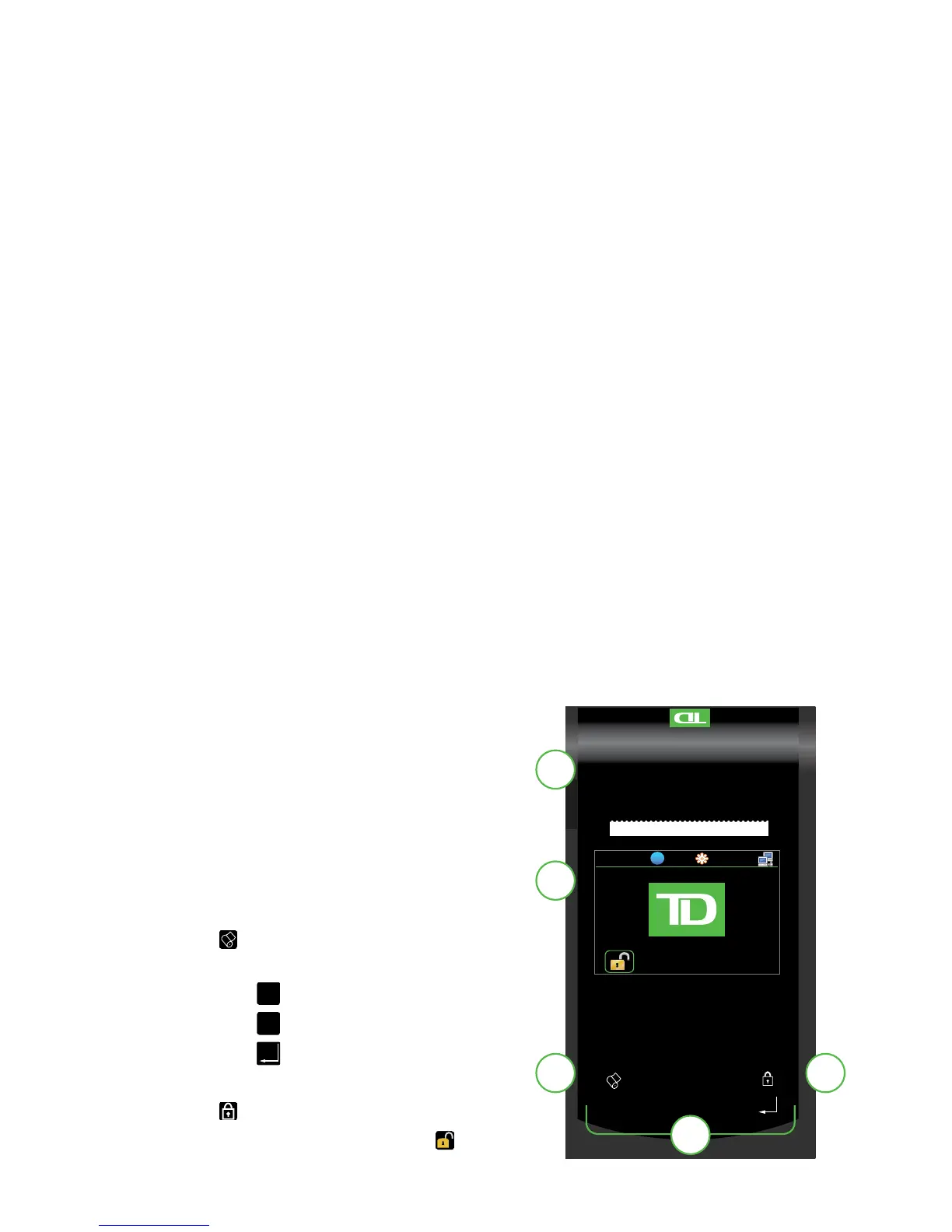
The Terminal
1. Paper chamber button
2. Touchscreen
Allnavigationisdonethroughthe
touchscreen.
3. Paper advance key
Tap toadvancethepaperroll.
4. Command keys
•



 To Next Page