4
Homescreen
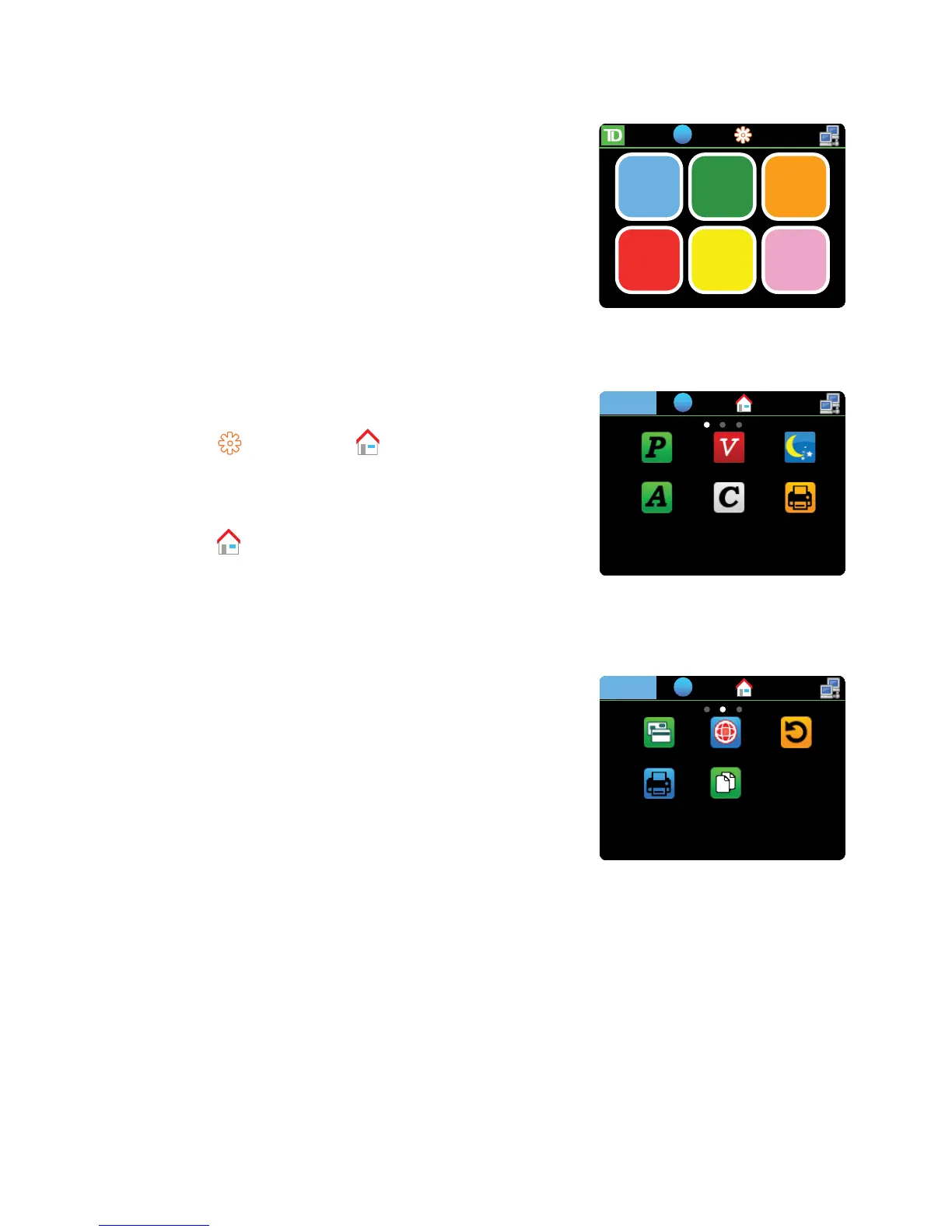
ThisistheterminalscreenwhereyouwillselectwhichMerchant
youwanttoperformatransactionfororaccesstheControl Panel.
1. TaptheMerchanticonthatyouwanttoperforma
transactionfor.Inthiscase,we’llselectPatelandthe
Desktopscreenappears.
Desktopscreen
Thisterminalscreenalwaysdisplaysthreeormoreiconsthatalways
include:Purchase,VoidandDay Close.
• T h e haschangedto .
• TheselectedMerchantisdisplayedinthetop-left
cornerofthescreen.Tapit(Patel)toviewthe
Merchant’sIDnumberandterminalnumber.
• T a p togobacktotheHome
screenandselectanewMerchant.
MainMenuscreen
TheremaybemorethanoneMain Menuscreenonyourterminal.
Thenumberofscreensdependonthenumberofavailableicons.



 To Next Page