12
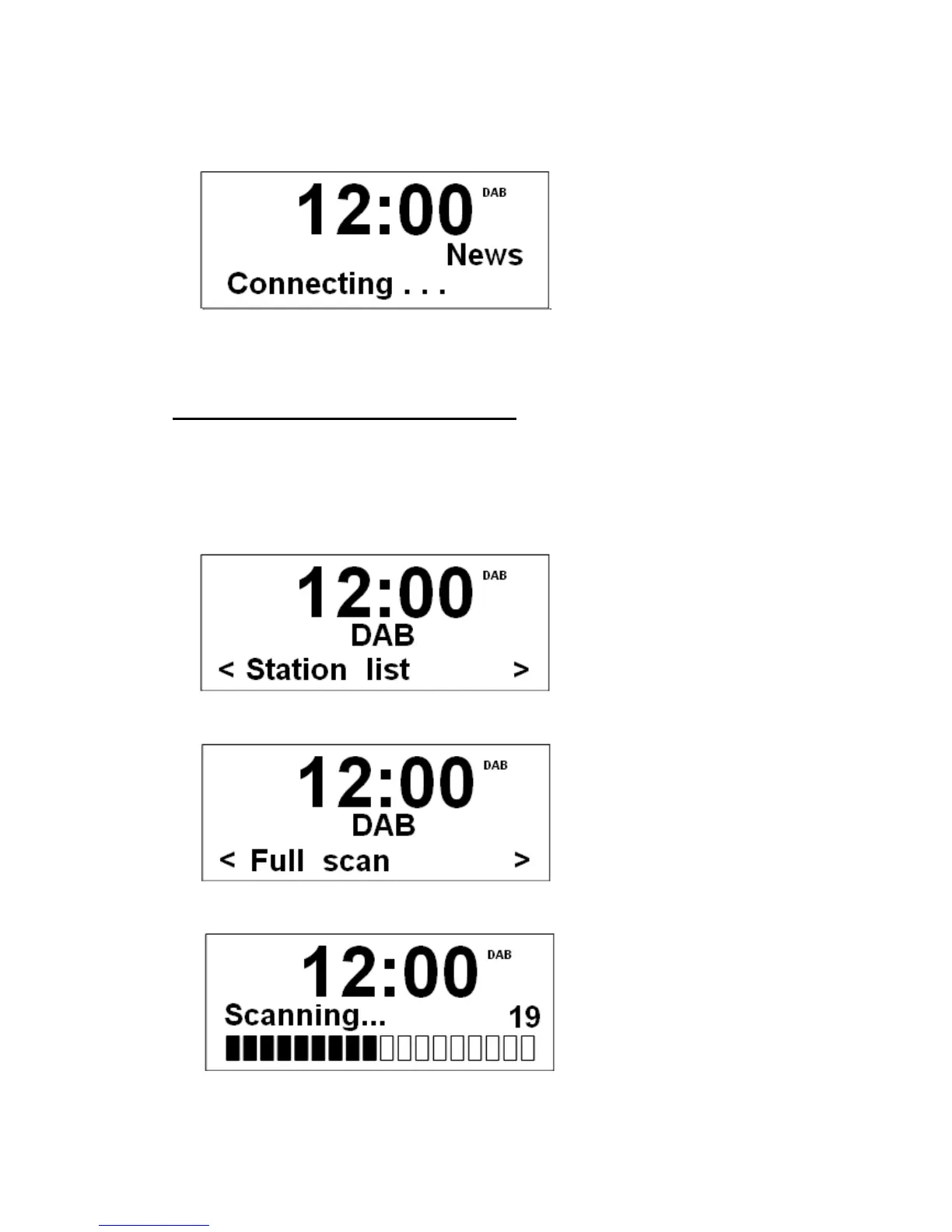
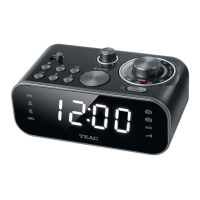
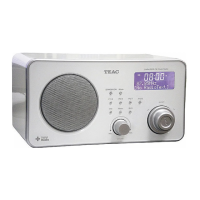
3. Turn the Scroll knob to cycle through stations list. When the desired station is display,
press the knob to select it.
4. To find and add new stations, please refer to the following instructions.
Finding and adding new Stations
@ Note: To obtain maximum performance, it is highly recommended to place unit at a place with
low interference.
1. Press MENU at first.
2. Turn the Scroll knob to < full scan >.
3. Press the Scroll knob to confirm.
Now, radio will scan all the DAB channels and add any new stations available to the
station list.


 To Next Page