25
How to set sleep
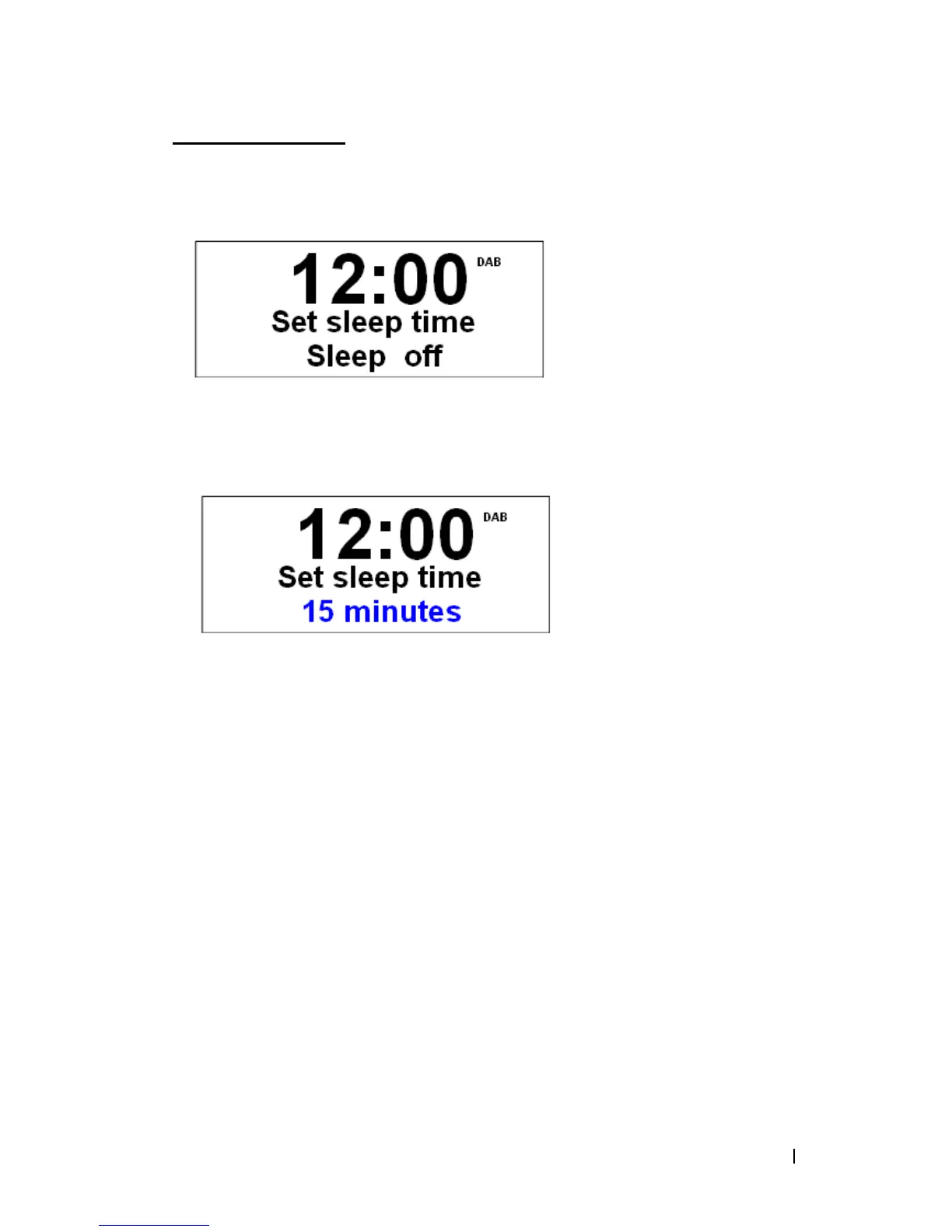
1. It can be activated from < System > à < Sleep >, press the Scroll knob to confirm.
2. Turn the Scroll knob to change the sleep period which is between 0 – 90 minutes.
3. When your required sleep time is display, press the Scroll knob to confirm.
@ Note: a. The interval time is 15 minutes per step.
b. The program will turn off after reaching this pre-defined period.
c. To continue operating the unit, press STANDBY/ ON button.


 To Next Page