24
System setup
How to enter system setup
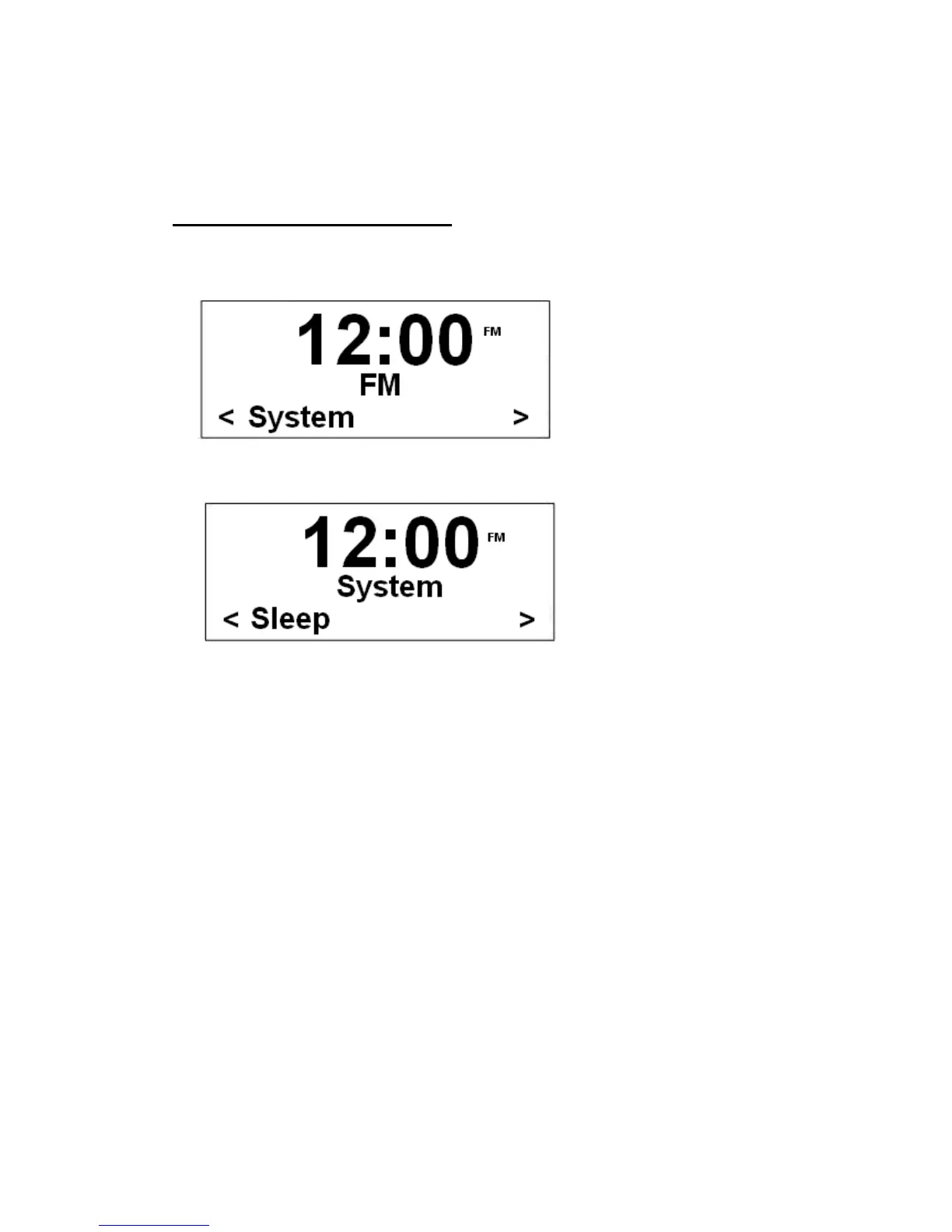
1. Press MENU at first, and then turn the Scroll knob to < System >.
2. Press the Scroll knob to confirm.
3. Turn the Scroll knob to cycle through options, by which you can find ‘Sleep’, ‘Alarm’,
‘Time’, ‘Backlight’, ‘Factory Reset’ and ‘SW version’ available.
J The following pages will provide you more details.


 To Next Page