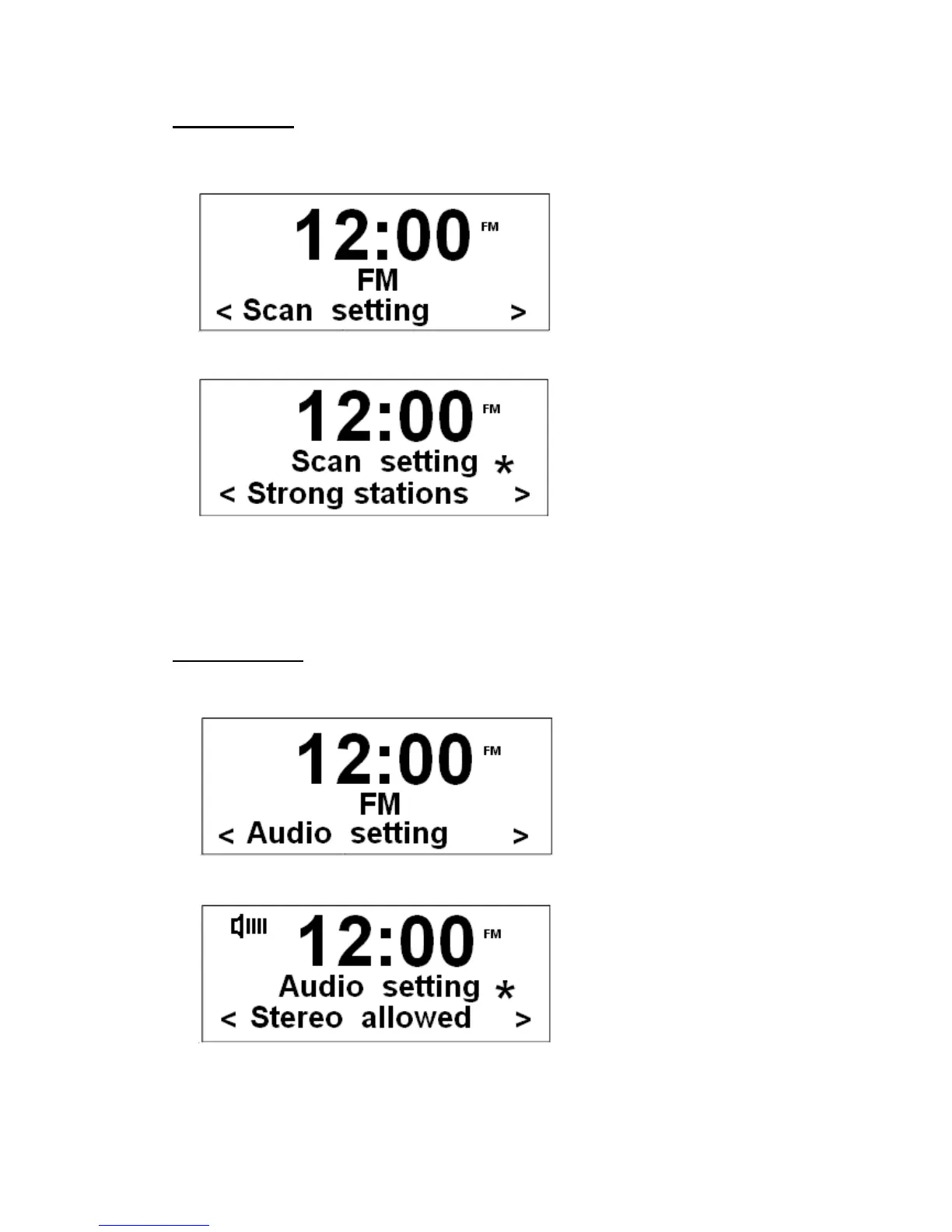
Scan setting
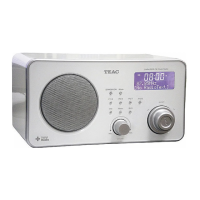
1. Press MENU, and unit will display such as below.
2. When cursor points at ‘Scan setting’, press the Scroll knob to select.
@ Note: There are only two options available ('Strong stations only' and 'All stations').
3. Turn the Scroll knob to your required option, and then press it to confirm.
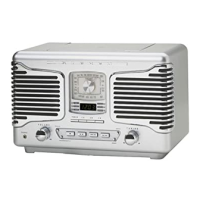
Audio setting
1. Press MENU first, and then turn the Scroll knob to < Audio setting >.
2. Press the Scroll knob to confirm.
@ Note: There are two options available ('Strong stations only' and 'All stations').
3. Turn the Scroll knob to your required option, and then press it to confirm.


 To Next Page