32
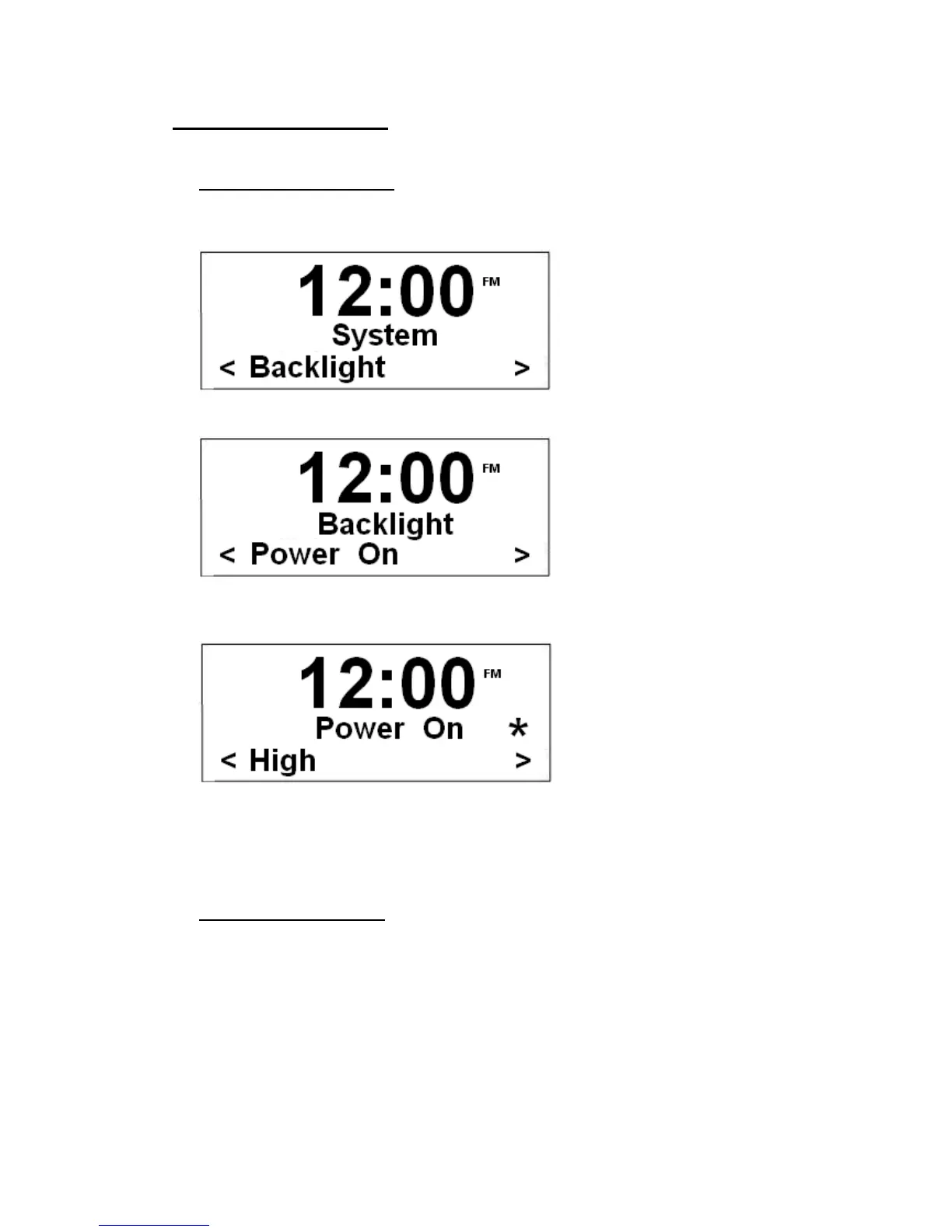
How to set Backlight
A. At ‘power on’ condition
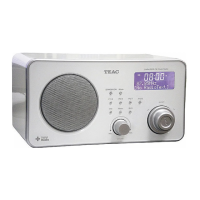
1. It can be activated from < System > à < Backlight >.
2. Press the Scroll knob to confirm.
3. Select ‘Power On’, press the Scroll knob to enter, and then turn it to cycle through
options and select your required setting.
@ Note: There are three options available (‘High’, ‘Medium’ and ‘low’).
4. Press the Scroll knob to confirm.
B. At ‘Standby’ condition
1. Continue above step4, next you need turn the Scroll knob to ‘Standby’, press it to
confirm.
2. Turn the Scroll knob to your required setting, ‘High’, ‘Medium’ or ‘low’, and then press it to
confirm is done!


 To Next Page