18
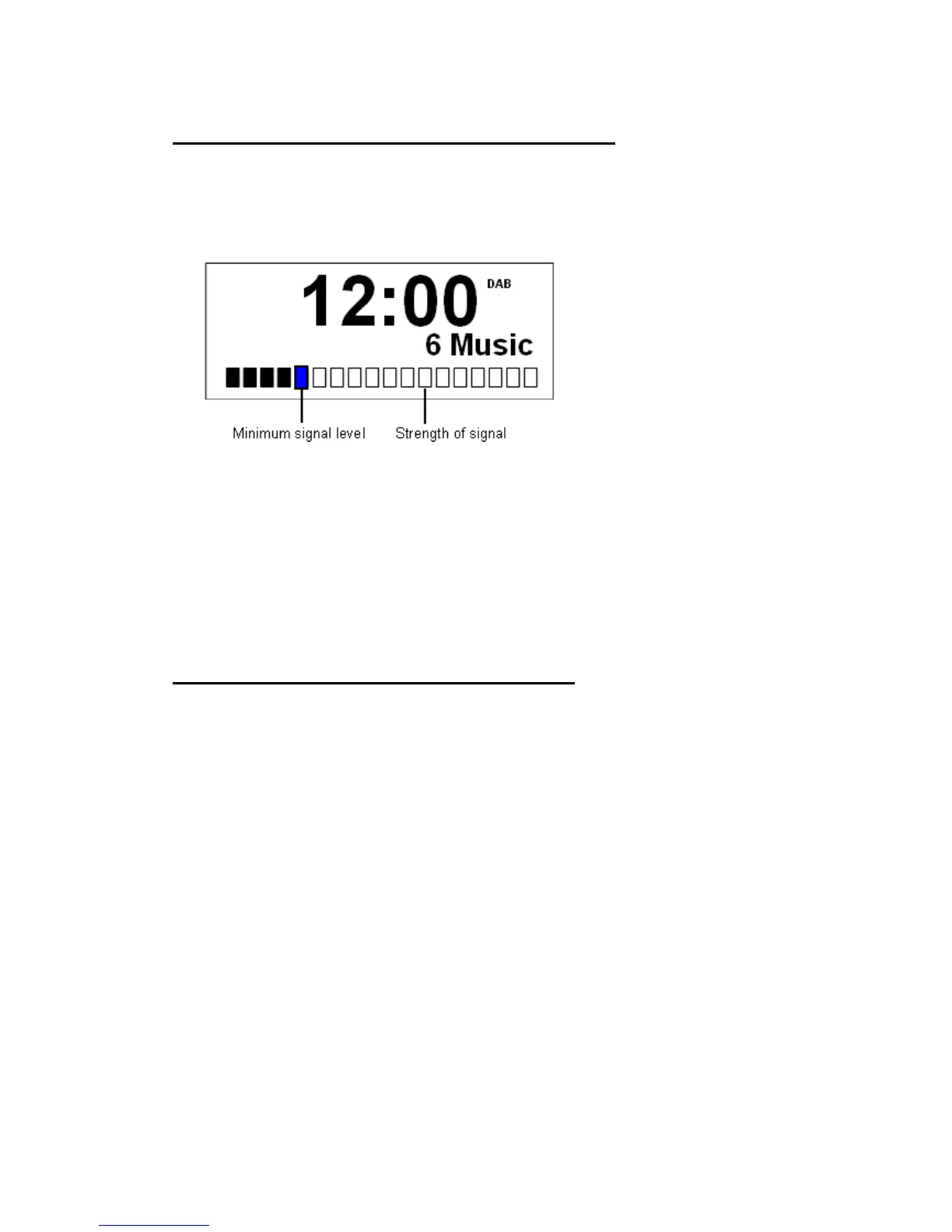
To Show the Signal Strength in DAB mode
1. While operating in DAB mode, press INFO to display the signal strength of the current
station on the LCD.
The indicator on the signal bar shows the minimum acceptable signal level.
@ Note: Stations with signal strength below the minimum signal level will not provide a steady stream
of audio.
How to change the Station Information
l Press INFO button repeatedly to view different information while in DAB and FM
mode.
l This function is not available in Auxiliary Input mode.


 To Next Page