23
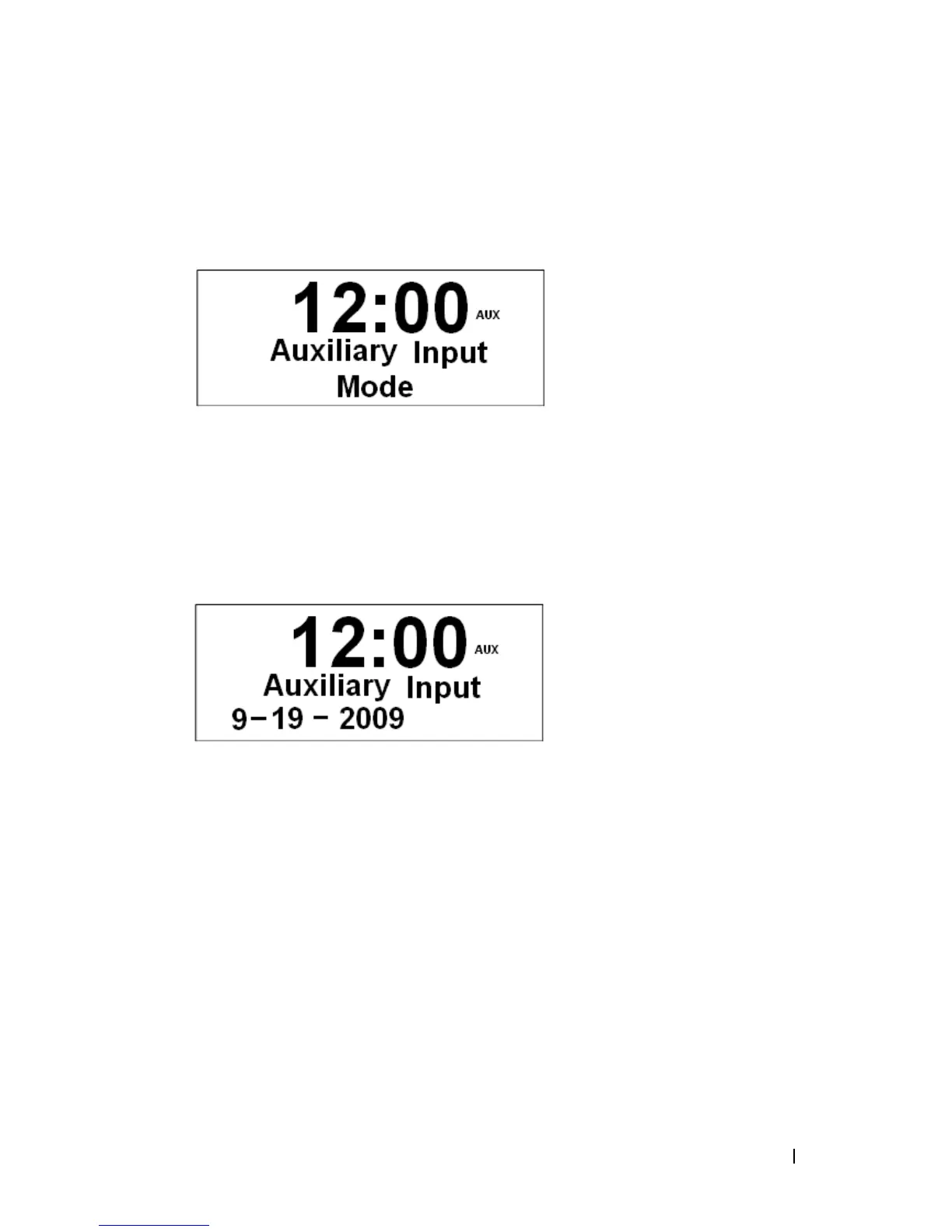
AUX IN MODE
1. Switch radio on and press Mode repeatedly until < Auxiliary Input Mode > is appeared.
2. By connecting your external music player via 3.5mm jack, your radio is transformed into a
high quality audio speaker system.
3. Connect one end of the cable lead to the headphone (or auxiliary out) socket of your
source device, the other end connect to AUX IN socket on the rear of your radio.
4. To gain optimal volume levels, it is recommended to adjust the output volume level on
the source device.


 To Next Page