20
Setting Station Presets
Your radio can store up to 8 DAB and 8 FM preset stations.
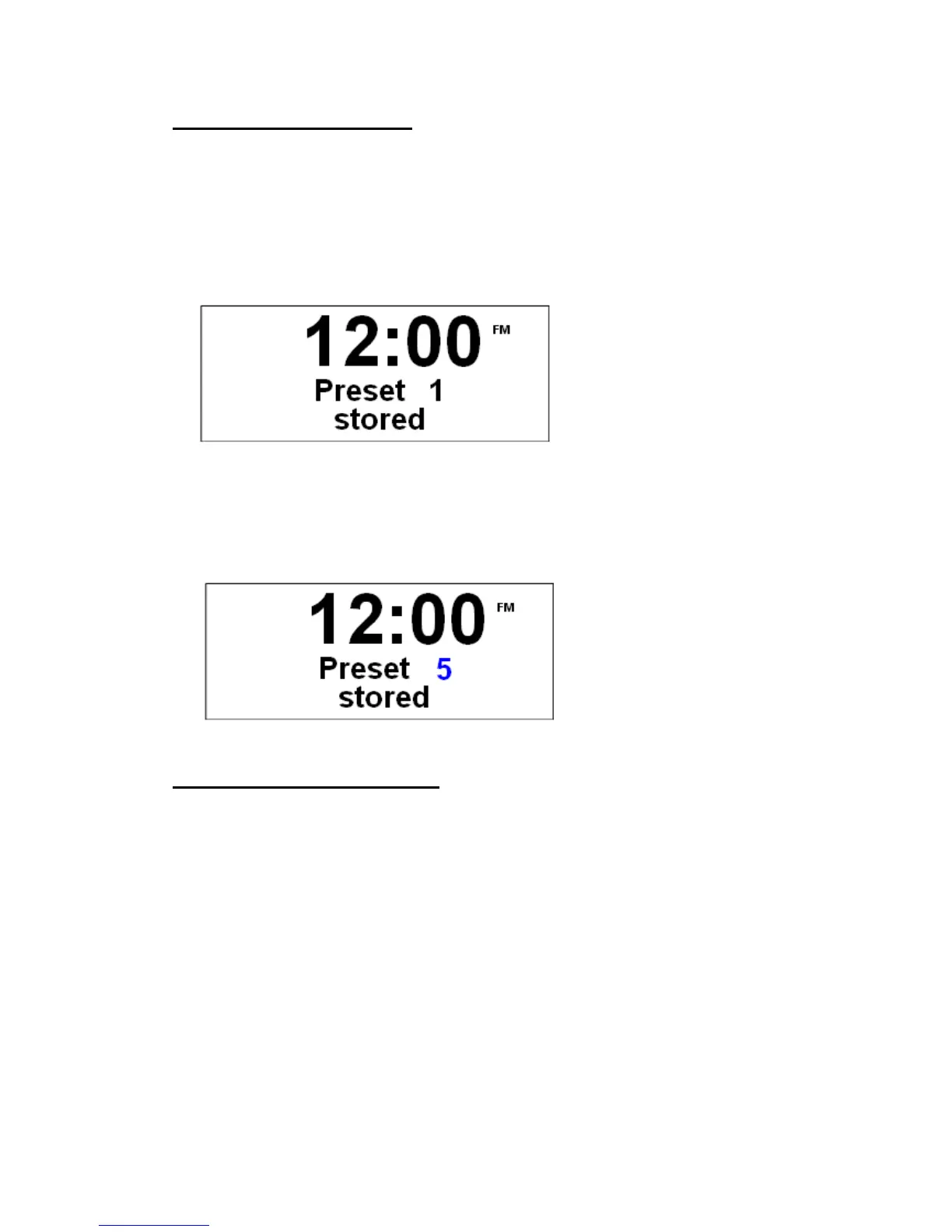
To store the current station to P1-P4:
1. Press and hold one of the preset buttons until it say ‘preset # stored’.
To store the current station to P5-P8:
1. Press Shift first.
2. Press and hold one of the preset buttons until it says ‘preset # stored’.
Selecting a Preset station
To select a preset station from P1-P4:
1. Press Mode to change to your required mode, and then press relative preset button.
To select a preset station from P5-P8:
1. Press Mode to convert into relative mode.
2. Press Shift.
3. Finally, press relative preset button.


 To Next Page