27
C. Set Time / Date (Manually)
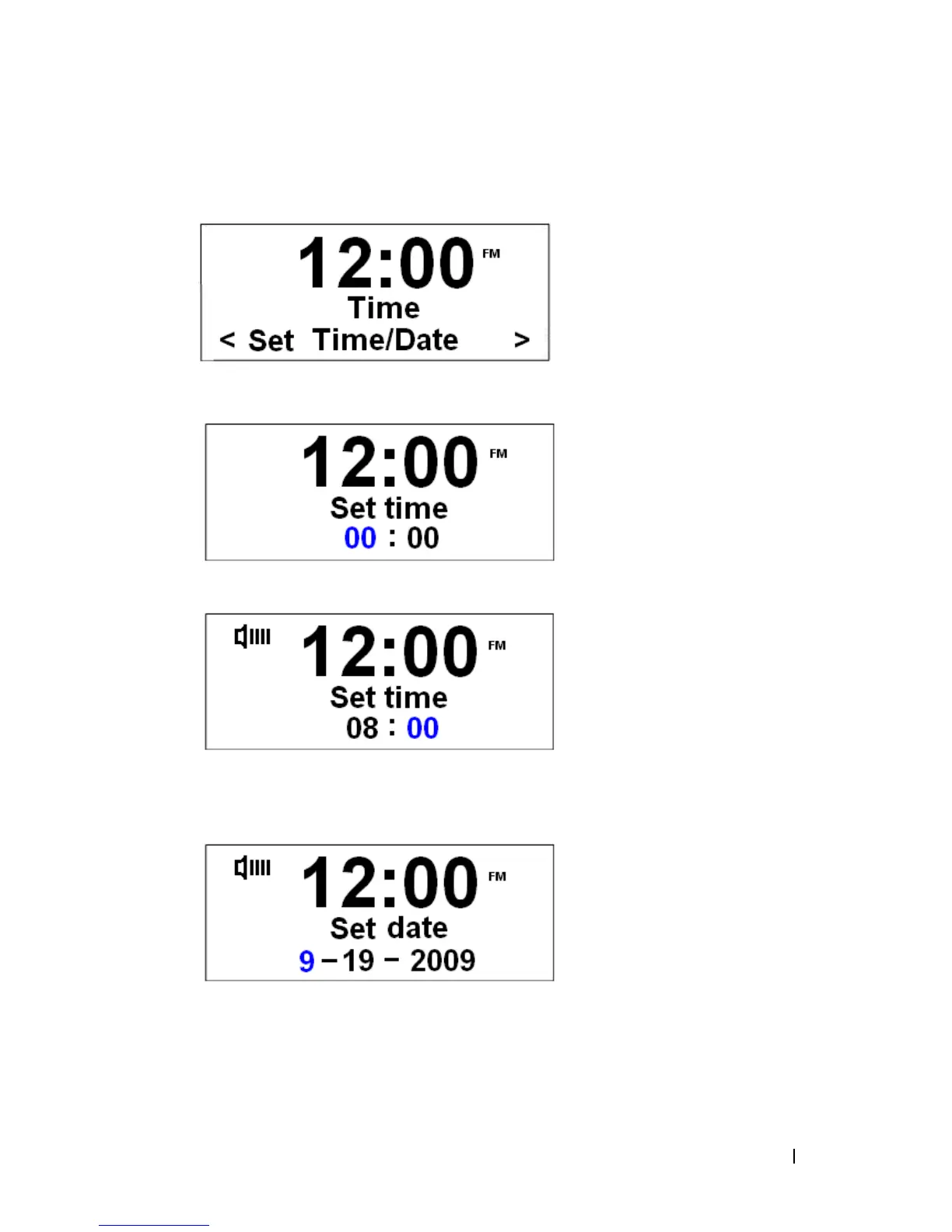
a.) It can be activated from < System > à < Time >à < Set Time/Date >.
b.) Press the Scroll knob to confirm.
c.) Turn the Scroll knob to change the hour, and then press it to confirm.
d.) Turn the Scroll knob to change the minutes, and then press it to confirm. Now you
can proceed to set the date.
e.) Using the same method ‘as set time’ to set the date.


 To Next Page