21
Menu system instruction
Picture
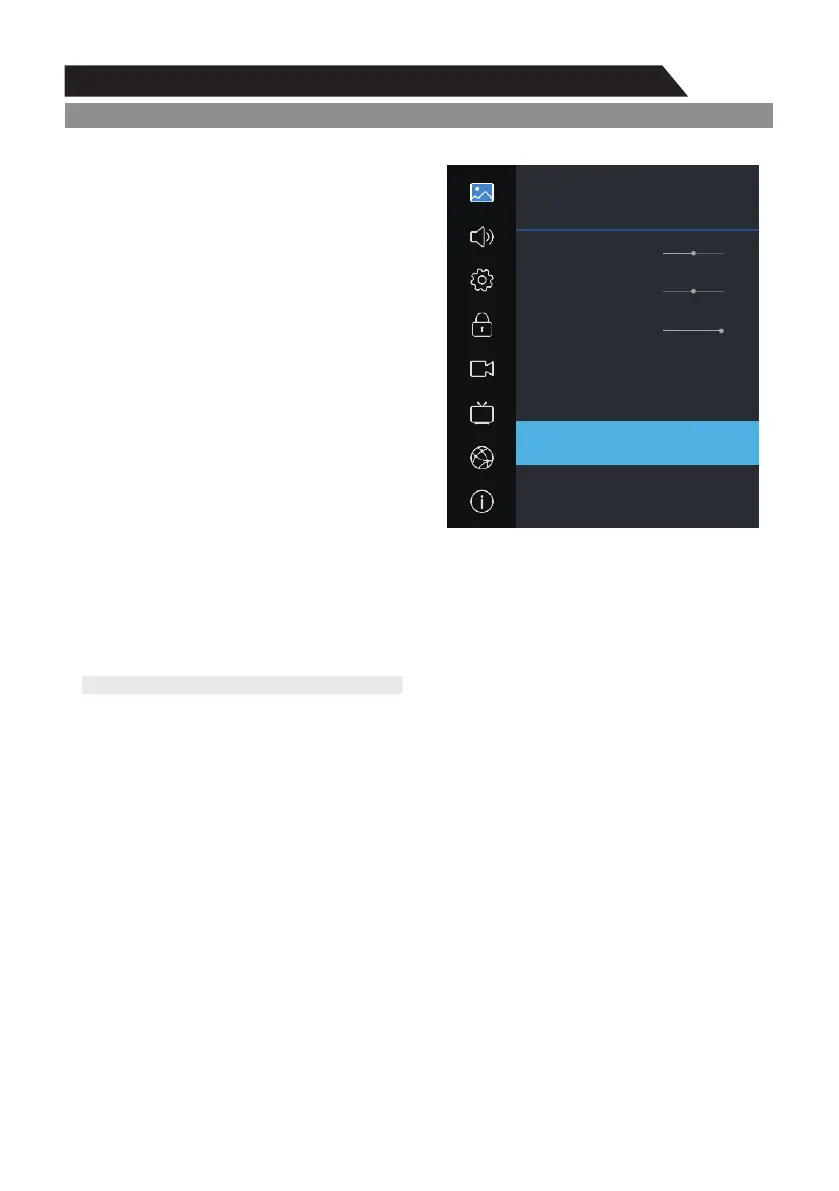
1. Press key to display the main menu on the screen.MENU
2. Press key to select "Picture" option. p/q
3. Press key to enter "Picture" submenu. u
Contrast
Adjusts the lightness and darkness between
objects and the background.
Brightness
Adjusts the brightness of the picture.
Color
Adjusts the colors, making them lighter or darker.
Sharpness
Adjusts the outline of objects to increase or
decrease sharpness.
Tint
Adjusts the Tint of the picture.
Note: This adjustment is only available for NTSC signals.
Backlight
You can Change the brightness of the entire
screen according to your preference.
1. Press / key to select "Backlight" option. p q
2. Press / key to increase or decrease the backlight value.t u
l Backlight: Adjusts the brightness of the whole screen.
Color Temperature
You can change the color of the entire screen according to your preference.
p q1. Press / key to select "Color Temperature" option.
t u2. Press / key to select one color temp.
Aspect Ratio
p q1. Press / key to select “Aspect Ratio” option.
2. Press / key to change the size of the picture on the screen. t u
Noise Reduction
Press / key to select the Noise Reduction mode. p q
You can select the right mode to match the pictures.
Open HDR
p q1. Press / key to select “Open HDR” option.
2. Press / key to select “Auto”, “Low”, “Middle” or “High”. t u
Picture
Sound
Setting
Lock
PVR Option
Program
Network
About
Picture
Sharpness
Tint
Backlight
Color Temperature
Aspect Ratio
Noise Reduction
Open HDR
50
0
100
t Standard u
t 16:9 u
t Middle u
t Auto u



 To Next Page