32
Menu system instruction
About
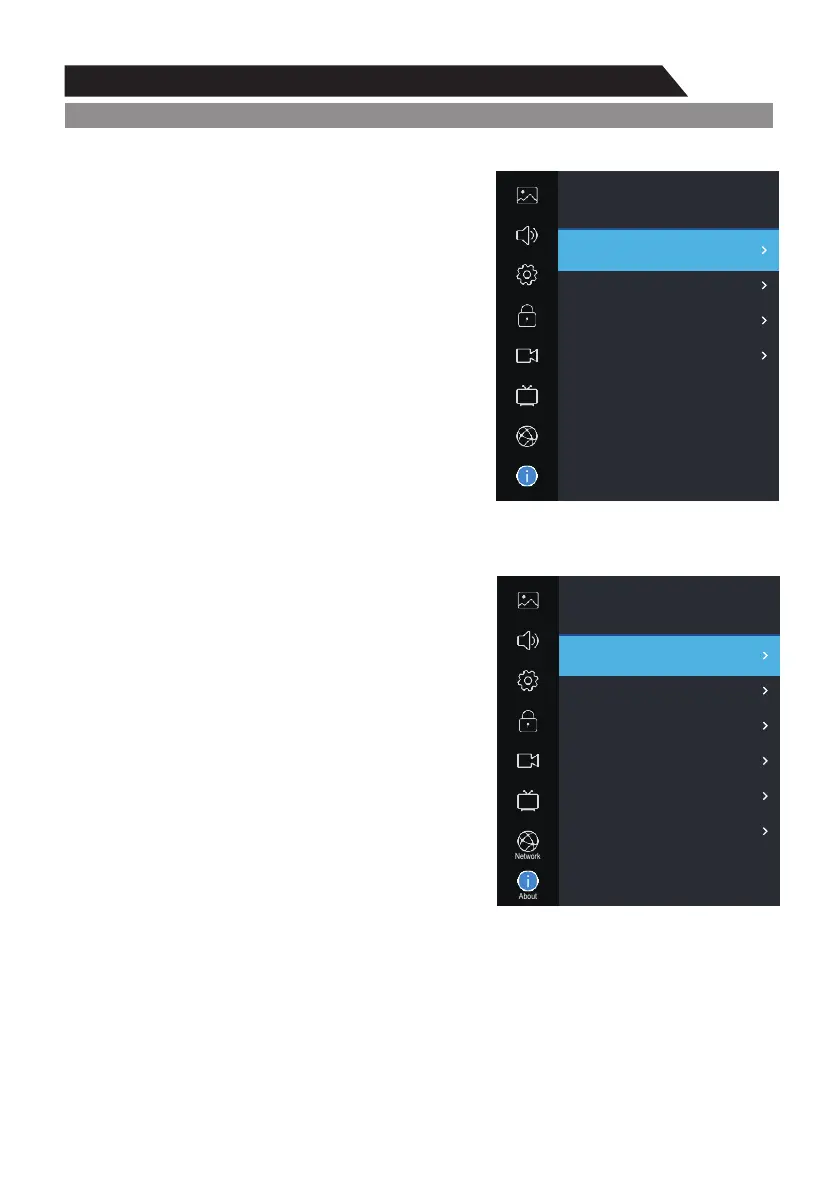
1. Press MENU key to display the main menu on the screen.
2. Press p/q key to select "About" option.
3. Press u key to enter "About" submenu.
Netflix
Netflix Deactive
1.Press p/q key to select “Netflix Deactive” option.
2.Press u or key to confirm.ENTER
3.Press “YES” to confirm again, the Netflix will
be activated.
Terminate Netflix
1.Press p/q key to select “Terminate Netflix” option.
2.Press u or key to confirm.ENTER
3.Press “YES” to confirm again, the Netflix will be
terminated.
Netflix ESN
Display the Netflix Esn information.
Netflix Version
Display the Netflix version.
View End-User License Agreement
1.Press p/q key to select "View End-User License
Agreement" option.
2.Press u or " " key to display View End-User ENTER
License Agreement.
About
Picture
Sound
PVR Option
About
Setting
Lock
Program
Netflix
View End-User License Agreement
System information
NetReady Information
Software Update(USB)
Internet Update Check
Network
About
Picture
Sound
PVR Option
About
Setting
Lock
Program
Netflix Deactive
Terminate Netflix
Netflix ESN
Netflix Version
Network


 To Next Page