Menu system instruction
Menu system instruction
Setting
24
Setting
Picture
Sound
Setting
Lock
PVR Option
Program
Network
About
Language
OSD Time
HBBTV
Link Setup
Time
Reset
User Mode
Always
ut
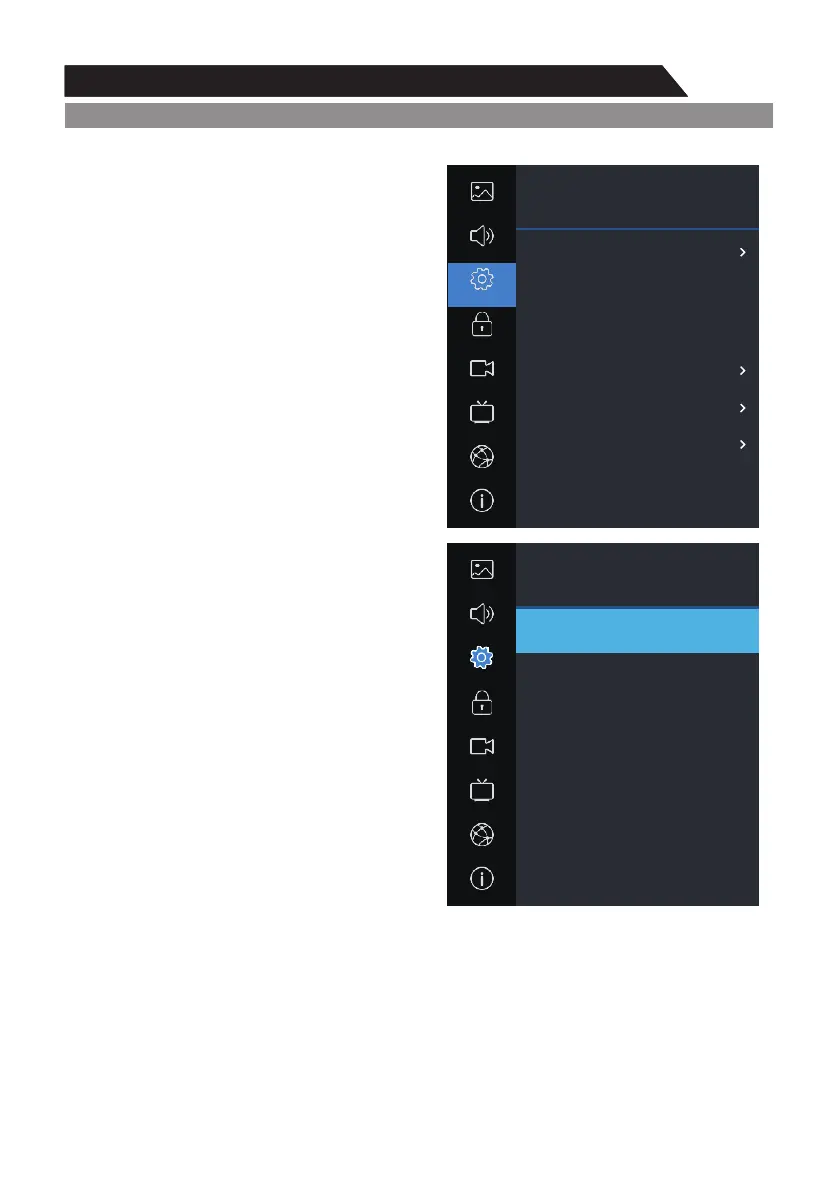
1. Press MENU key to display the main menu on the screen.
2. Press p q key to select "Setting" option. /
3. Press u key to enter “Setting" submenu.
Language
OSD Language1. Press p q key to select “ " /
setting.
2. Press ENTER or u key to select a proper
language for OSD.
OSD Time
Set the preferred amount of time for the OSD to
be displayed on the screen.
HBBTV
This is used to set HBBTV
Turn on or turn off the HBBTV function.
Link Setup
1. Press p/q key to select “Link Setup” option.
2. u “Link Setup” submenu.Press key to enter
Link-CEC
Turn on or turn off the Link-CEC function.
Consumer Electronics Control (CEC) allows you
to control multiple CEC-enabled devices connected
using HDMI, with a single remote control.
HDMI ARC
Turn on or turn off the HDMI ARC function.
Audio Return Channel (ARC) returns audio though
the same HDMI channel that is used to send video
to the TV. If switched on, you won't need a separate
audio cable to return sound from the TV. ARC
Feature is available on HDMI 1.
Auto Power
Turn on or turn off the Auto Power function.
Auto Standby
Turn on or turn off the Auto Standby function.
Time
1. Press MENU key to display the main menu on
the screen.
2. Press / key to select "Time" option.p q
3. Press key to enter "Time" submenu. u
Auto Sync
You can modify the time of your TV set in Manual mode. In Auto mode, the “clock” is decided by
the DTV signal.
Clock --:--
When Auto Sync is on, the clock is obtained from DTV streams; Set the clock when Auto Sync is off.
Setting
Picture
Sound
Lock
PVR Option
Program
Network
About
Setting
Link Setup
Link - CEC
HDMI ARC
Auto Power
Auto Standby
On
ut
On
ut
Off
ut
Off
ut
On
ut
Home
ut



 To Next Page