30
Menu system instruction
Program
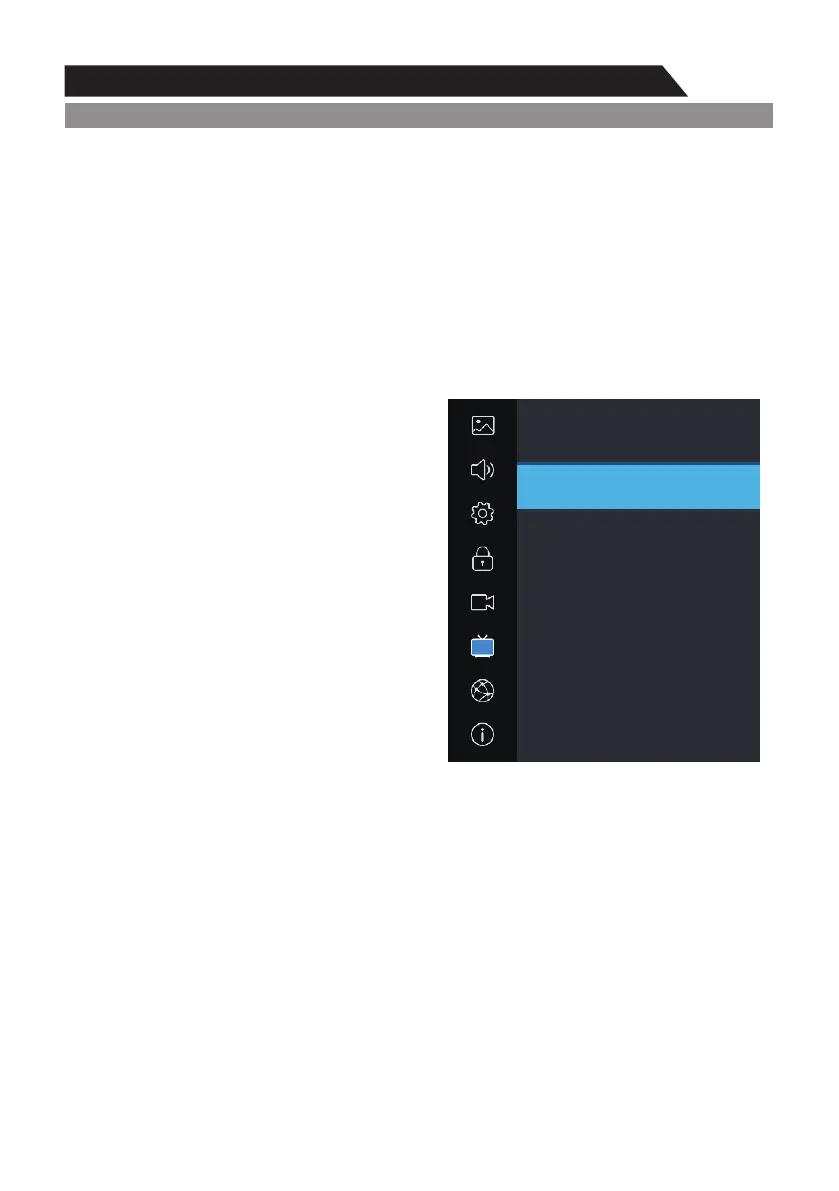
Signal Information (Used only in DTV)
1. Press p/q key to select “Signal Information" option.
2. Press “ ”or u key, you can see the information of the DTV channel. ENTER
NOTE:
Signal Quality/Signal Strength (DTV Only): Unlike analogue channels, which can vary in
reception quality, digital channels must have perfect reception quality or you will not receive them
at all. So, unlike analogue channels, you are not able to fine tune a digital channel. If the signal
strength indicates that the signal is weak, a possible solution is to adjust your antenna to increase
the signal strength. Continue to adjust the antenna until you find the best position with the
strongest signal.
Program
Picture
Sound
PVR Option
Network
About
Setting
Lock
Program
Signal Information
Channel:
Name:
Modulation:
Quality:
Strength:
9
Nine Digital
64QAM
100
0



 To Next Page