16
Setting the Daily Timer 1
This function is available only when REMOTE CONTROL jacks of
the T-R650 and the A-R650 are connected with a remote control
connection cord.
< Adjust the clock before setting the timer.
1
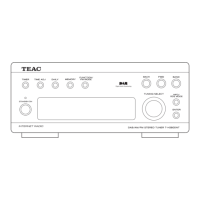
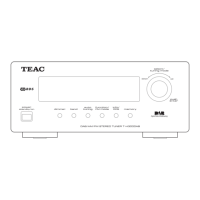
Press the DAILY button.
On time 00:00:00
CH12 108.00MHz
“On time” appears on the display, and the hour value flashes.
< When you use the remote control, press the TIME ADJ
button for 2 or more seconds.
2
Turn the TUNING/SELECT knob to set the start time (hour),
and press the ENTER button.
On time 07:00:00
CH12 108.00MHz
The hour is set, and the minute value flashes.
< The unit uses the 24-hour clock.
1
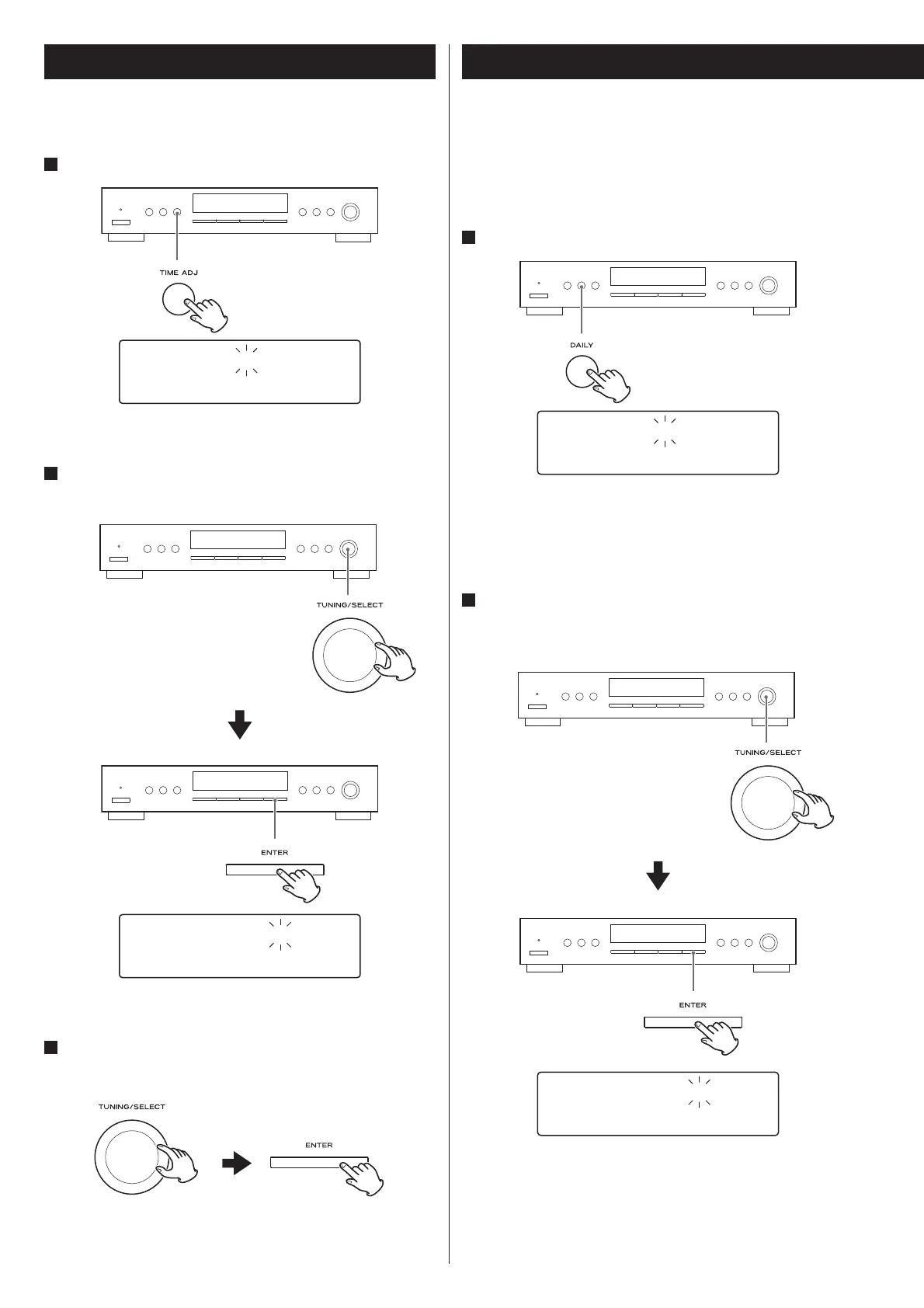
Press the TIME ADJ button.
C-time 00:00:00
CH12 108.00MHz
The hour value flashes.
2
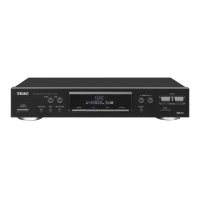
Turn the TUNING/SELECT knob to set the current hour, and
press the ENTER button.
C-time 10:00:00
CH12 108.00MHz
The hour is set, and the minute value flashes.
3
Turn the TUNING/SELECT knob to set the current minute,
and press the ENTER button.
The clock starts from 00 second.
Setting the Clock


 To Next Page