INSTRUCTION MANUAL
14
Touch this icon scan the stations and scan each station for 5 seconds. Touch and
hold it to save the stations with good reception automatically. Touch this icon again to stop.
Touch this button to switch an alternative frequency on or off. When it turned on,
radio can follow the same station when the frequency is different.
Touch this button to switch radio traffic service on or off.
Touch this button to select program type.
Touch this icon to on or off REG function.
Touch this icon to return back normal radio menu
CD PLAYER
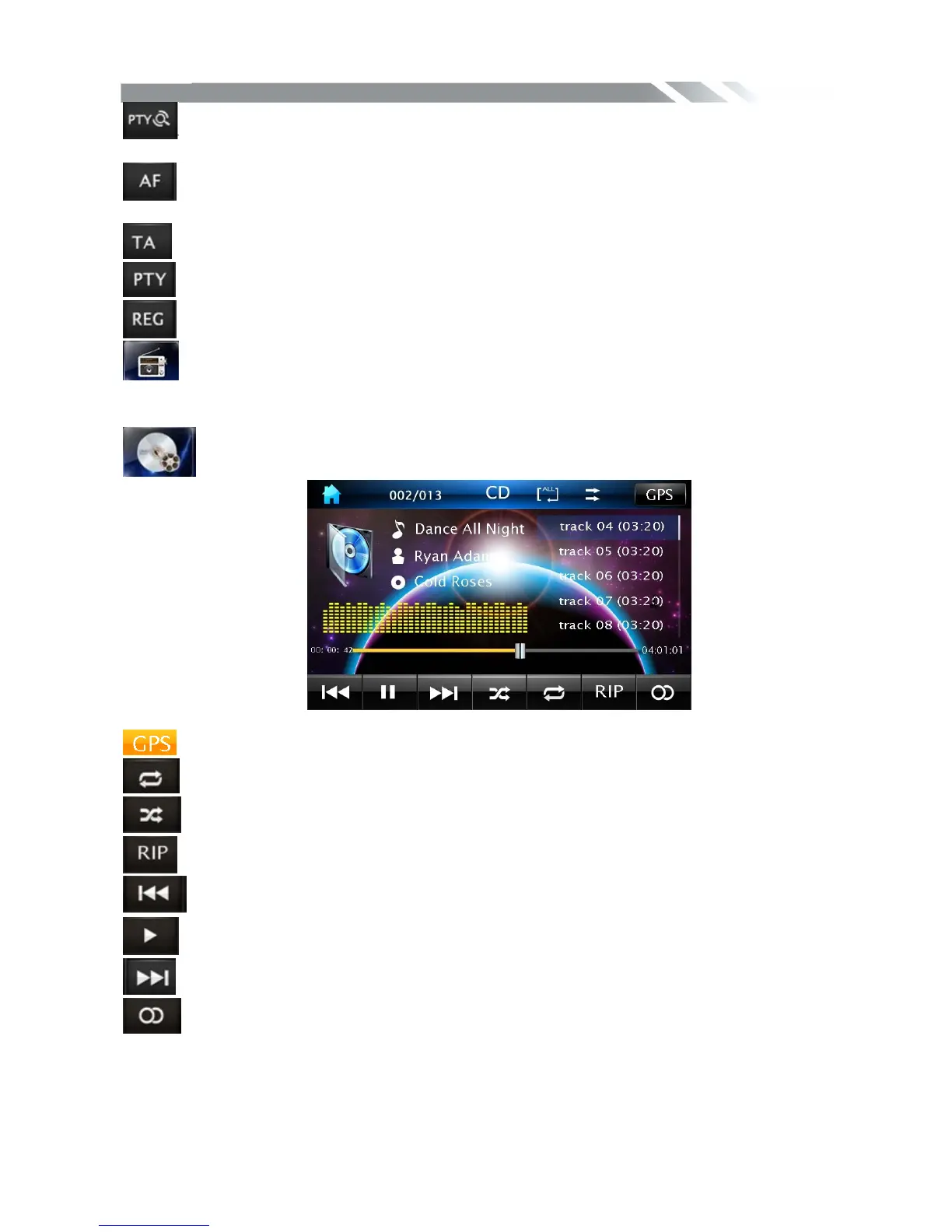
To start CD player, tap on DISC icon from main menu screen.
Touch it to enter GPS mode.
Touch it to select: Repeat off=>Repeat track=> Repeat in folder
Touch it to turn on / off random /sequence playback.
Touch it to copy the track on the CD to USB or CD card.
Touch it to skip to the previous track.
Touch it to play/pause.
Touch it to skip to the next track.
Touch this icon to select stereo or mono sound reception.



 To Next Page