INSTRUCTION MANUAL
20
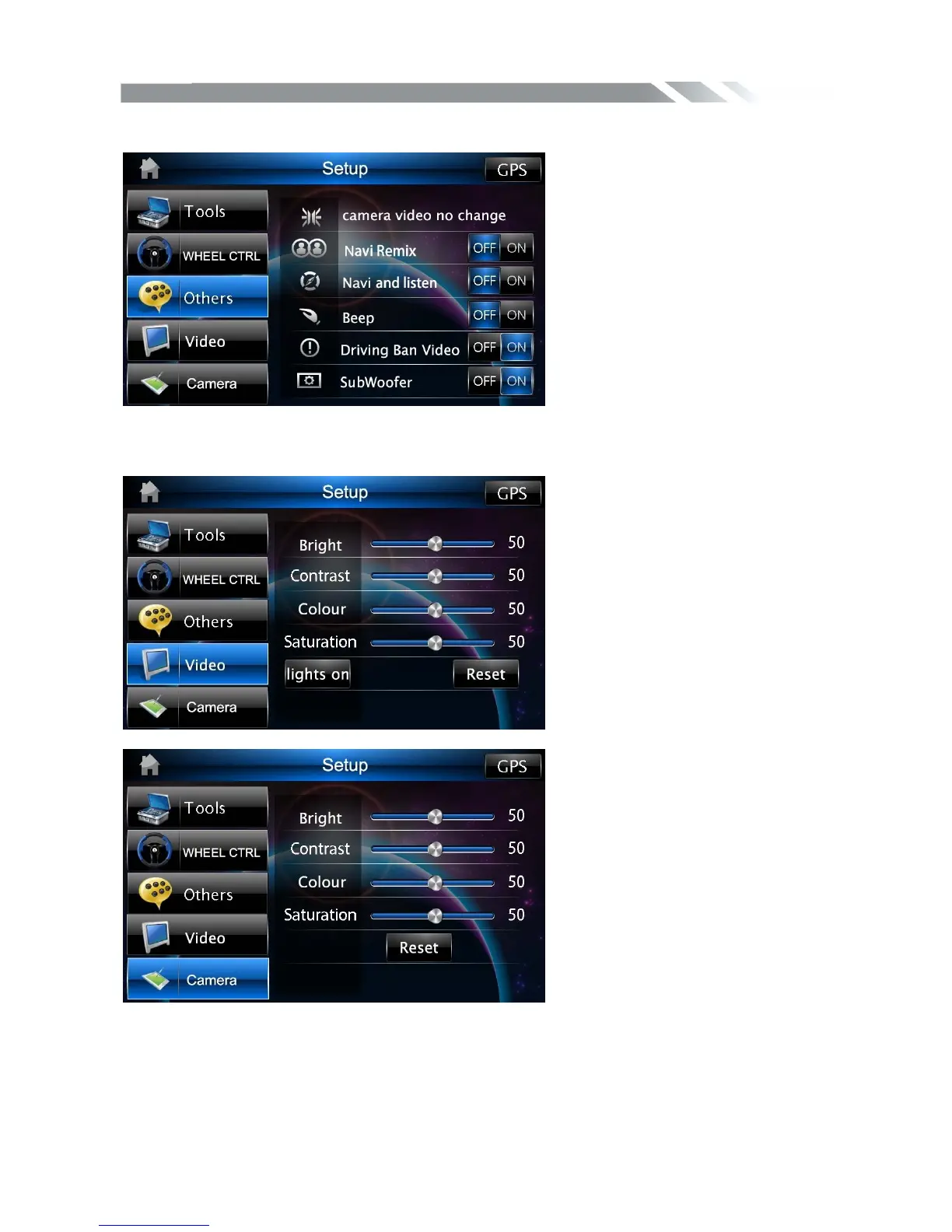
Other CONTROL
Tap other icon to show the menu to set the other function
Video/Camera CONTROL
Tap video/camera icon to show the video/camera menu to set the effect
Sound CONTROL
Tap Audio icon to show audio menu, then touch the different effect to Select the digital
sound effect (close,rock,pop,live,dance,classic,soft)



 To Next Page