INSTRUCTION MANUAL
17
optional audio/video source into the 3.5mm input jack on the front panel. Connect an
optional audio/video source to the RCA connectors on the back of the unit.
◆
DUAL ZONE
To start dual zone Mode, front deck and background work at the same time
◆
SETTING CONTROL
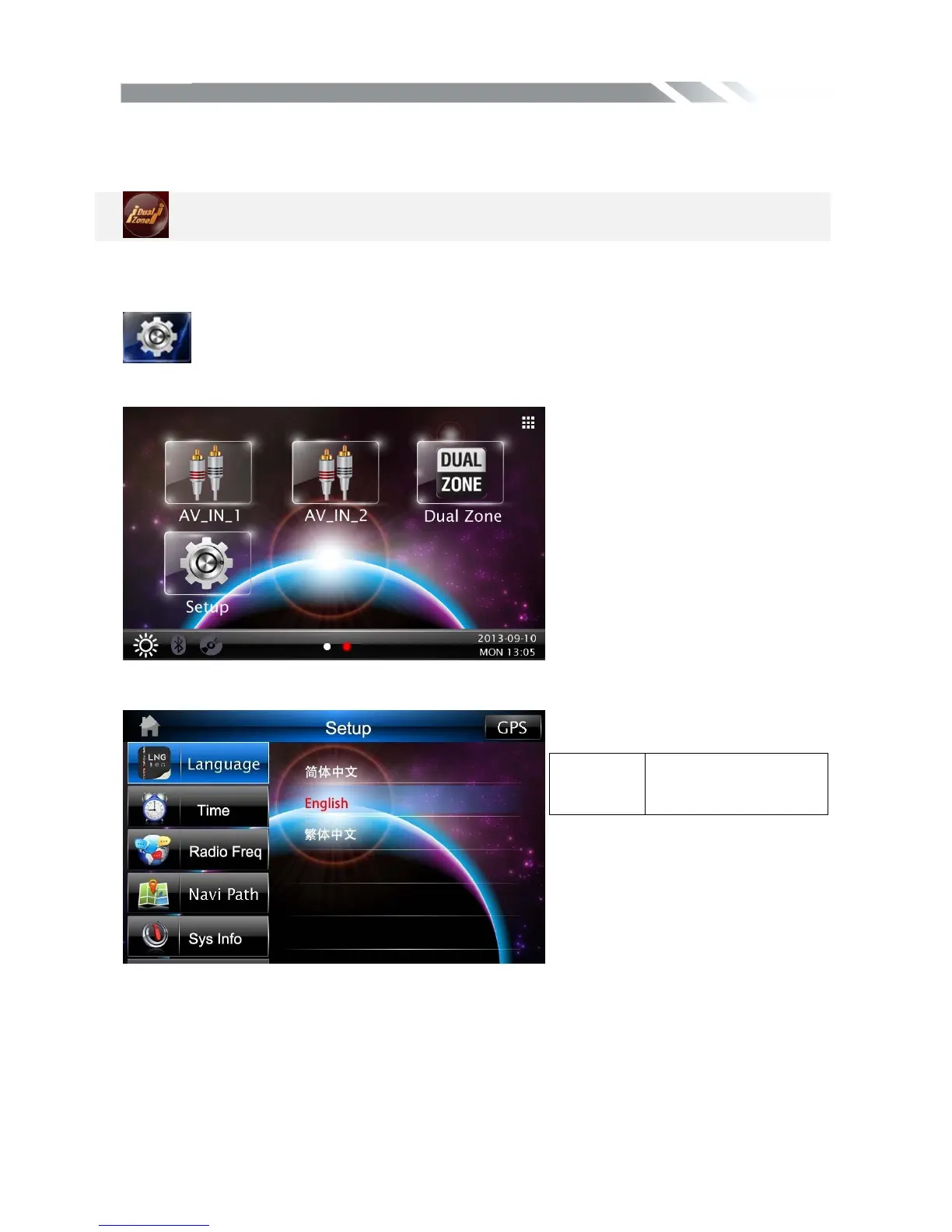
To start SETTING, tap SETUP icon on main menu. Your device has default system
settings. You can customize the settings to suit your personal needs. Once you change
settings, your new settings will remain until you change it again.
Language CONTROL
Tap language icon to show DISPLAY menu
Time CONTROL
Tap Time icon to show Time menu, then through touching the on/off to set the time showing.
language Set the simple
Chinese/English/traditi
onal Chinese



 To Next Page