INSTRUCTION MANUAL
24
this icon indicate the Bluetooth has
opened touch it can close the luetooth.
5. BT MUSIC
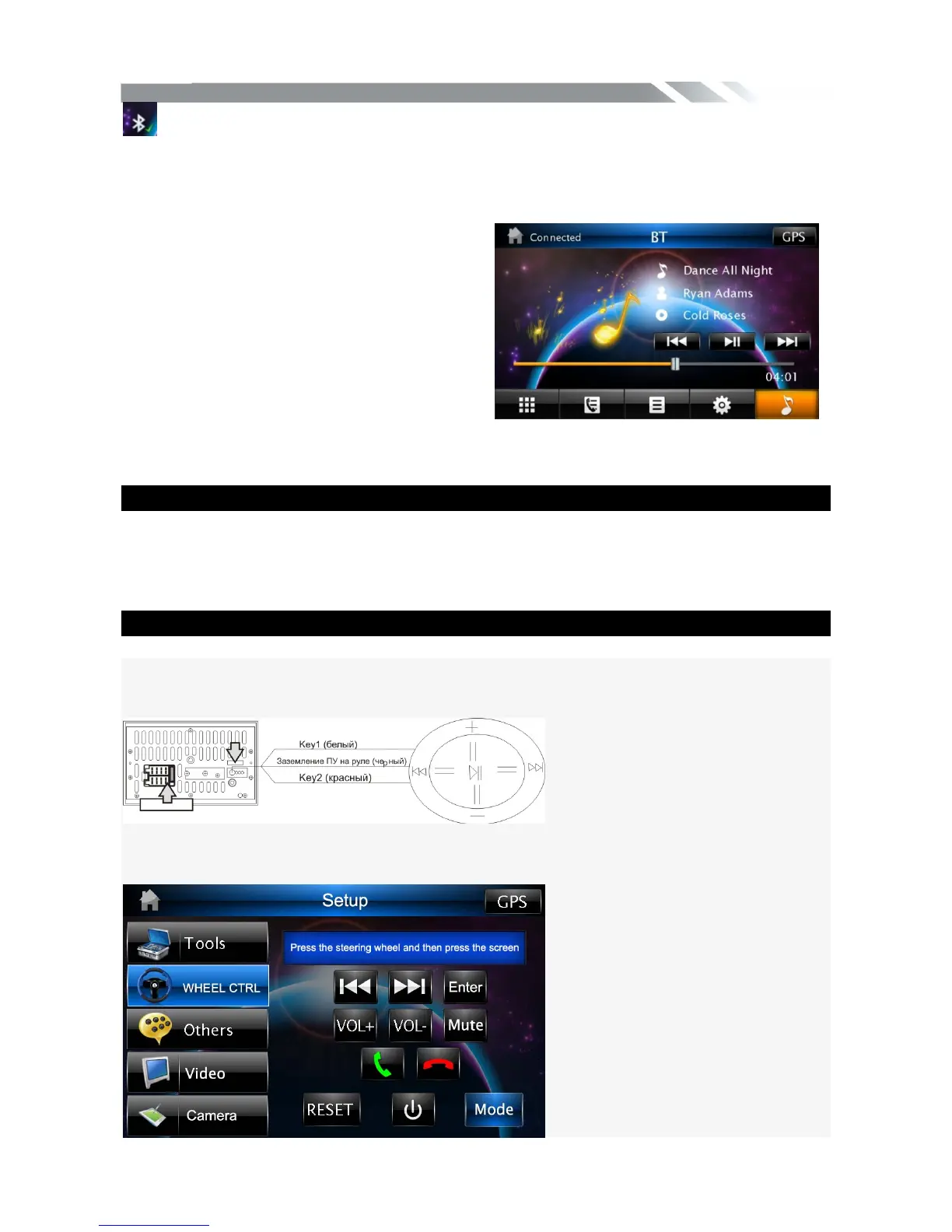
Tap MUSIC icon to listen music in A2DP
mode. You can select the function with the
icon for previous, play / pause, and next.
Note: in this mode the ID3 and present
information can just display iPone, other
phone may not display this information.
NAVIGATION MODE
To start GPS Navigation, tap on NAVI icon from main menu screen.
Note: Insert Memory card with map into the Memory card slot of the rear panel, then set the
NAVI PATH in the setting menu before tapping NAVI icon. The device will warn you if
Memory card with map is not properly inserted into the Memory card slot of the rear panel.
SWC MODE
To start SWC function, tap on SWC icon from setting menu screen.
1) First check whether the car has steering wheel button.
2) The steering wheel and the unit must be connected on the line
connecting the SWC. Wiring diagram below.
3) Open the unit WHEEL CTRL interface, you can in the above operation, the
interface is as follows.



 To Next Page