5 - 4 MIO2 Operating Manual, 394934, en, V3.0
5 - Installation
Incubator Installation
5.2.1 Connecting
D-Sub Cable Note: One or two MIO2 can be connected in series (CAN) and have a device
address switch each.
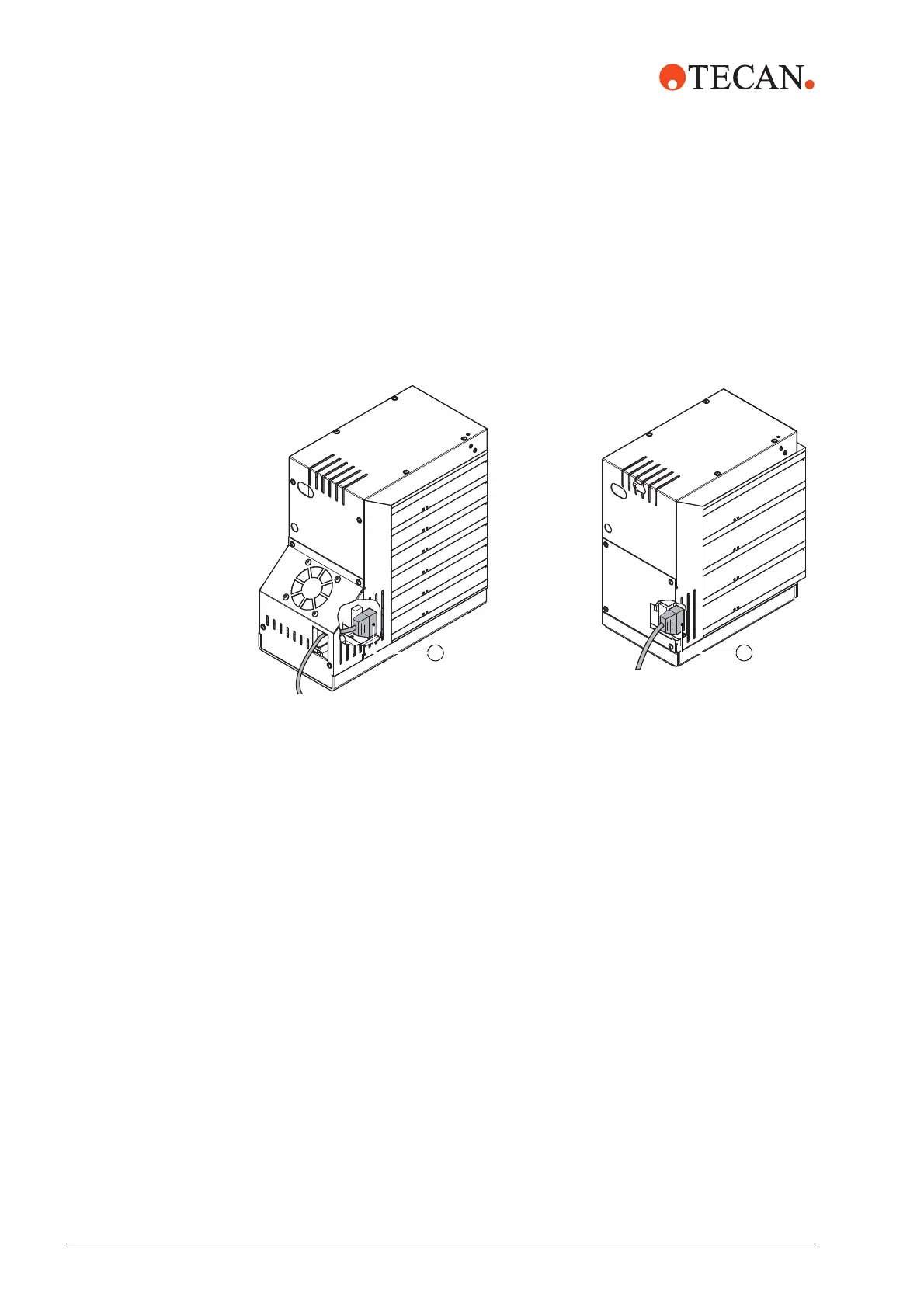
1 Connect the interface cable D-sub connector (A) to the incubator and tighten
the connector’s fixing screws.
If installing one incubator skip to section 5.2.3,
5-6.
Fig. 5-2 MIO2, D-Sub cable connector
AA
6 Positions 4 Positions


 To Next Page