Thanks for purchasing our PoE Network Video Recorder Surveillance products. This user
manual is for 4CH/8CH/16CH PoE NVR and PoE cameras system. The firmware and software
for the cameras and NVRs will be updated for better user experience. Please write to us or
visit the store to get the latest user manual.
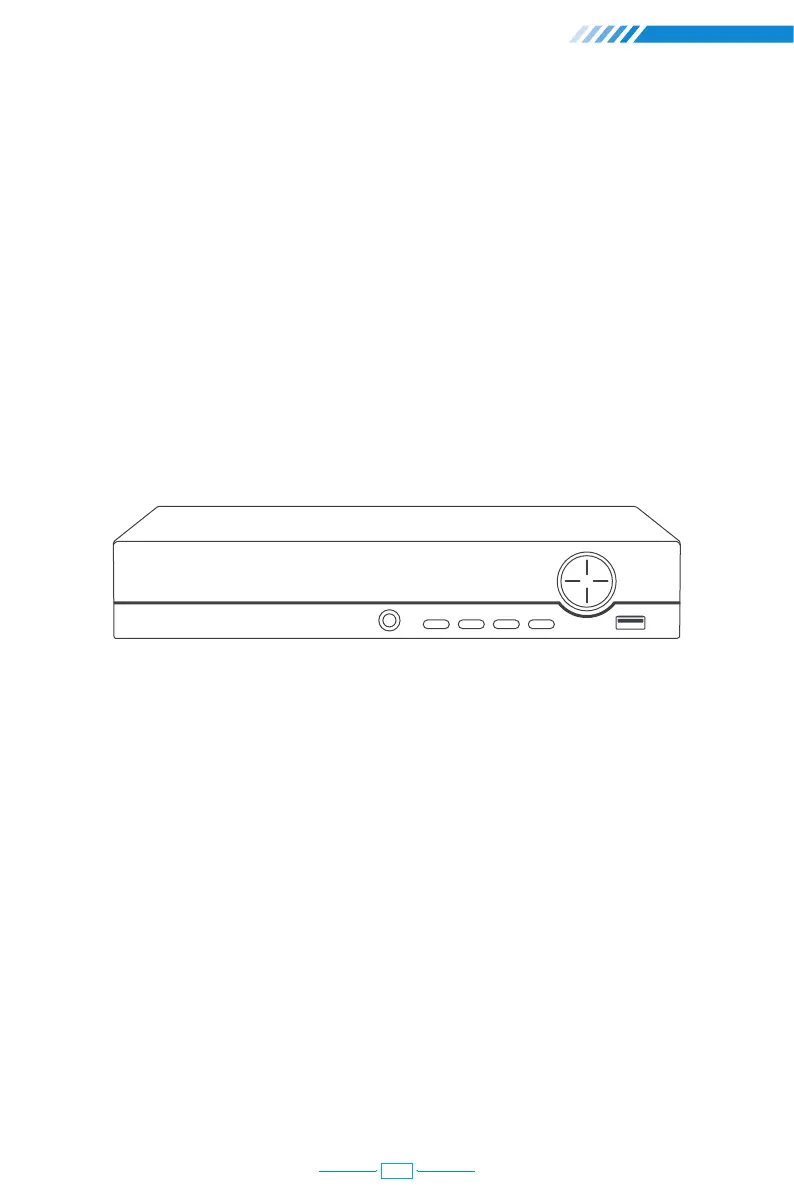
PWR: It will be on when the NVR is plugged in power adapter (DC 48V~52V).
Directions: Choose different options on NVR, left or right, up or down.
USB: For connecting USB mouse to control NVR or USB disk to backup video.
IR: To receive infrared remote control signal.
QUAD: Switch the video display on monitor to 1/4/8/16 channels.
ESC: Leave the current option/window, cancel or back to previous option.
MENU: Enter main menu directly.
ENTER: Enter the options.
QUAD
IR
ESC MENU ENTER
USB
Front of the NVR
NVR Overview
Preface
01



 To Next Page