21
Operation Procedures
Two kinds of operation are provided: 1) transfer the whole TS including all PIDs; 2) transfer
programs one by one.
1) Transfer the whole TS
In “Input Program Info”, select a TS# that you want to transfer the ts from, click left
button of the mouse, and keep the mouse light button being pressed and drag the TS#
to a TS# in “Output Program Info”, then the whole TS will be transferred.
PSI/SI—click it to open PSI/SI tables and check further programs information, such as
PAT,PMT,NIT,EMM,EPG, etc.
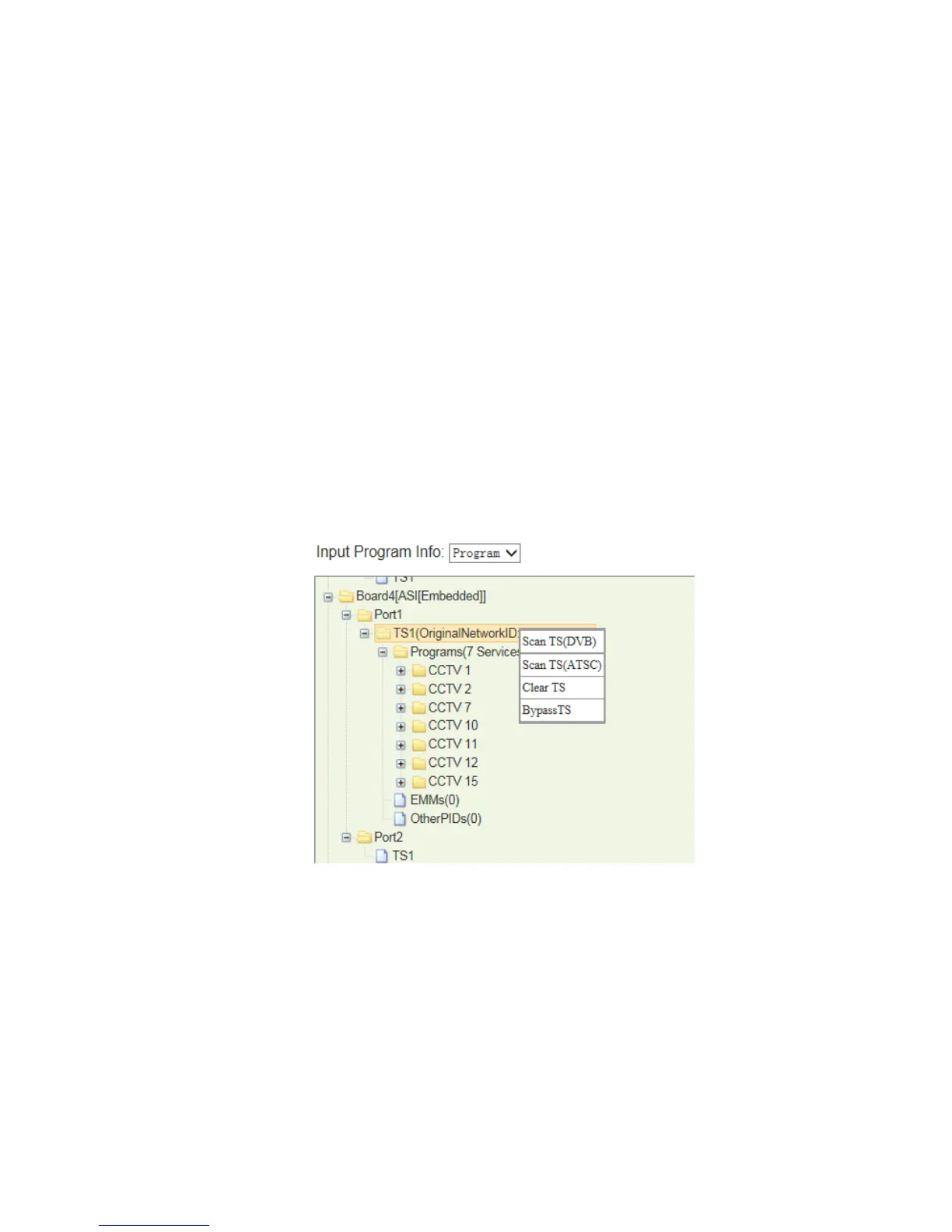
BypassTS—this option allows the whole TS stream transferred without any change. In this
case, it’s not allowed to transfer program one by one, and only TS transfer is allowed.
Especially, it’s used when there’s problem in CI descrambling.
Pic-3.1-7
2) Transfer programs one by one
Select the module which you want to transmit the output stream.
Select which TS (Channel) to output the stream, and then click the right mouse button
to choose ‘Add TS’.



 To Next Page