31
After setting all parameters, you should press the ‘Apply’ button to save the settings.
Status
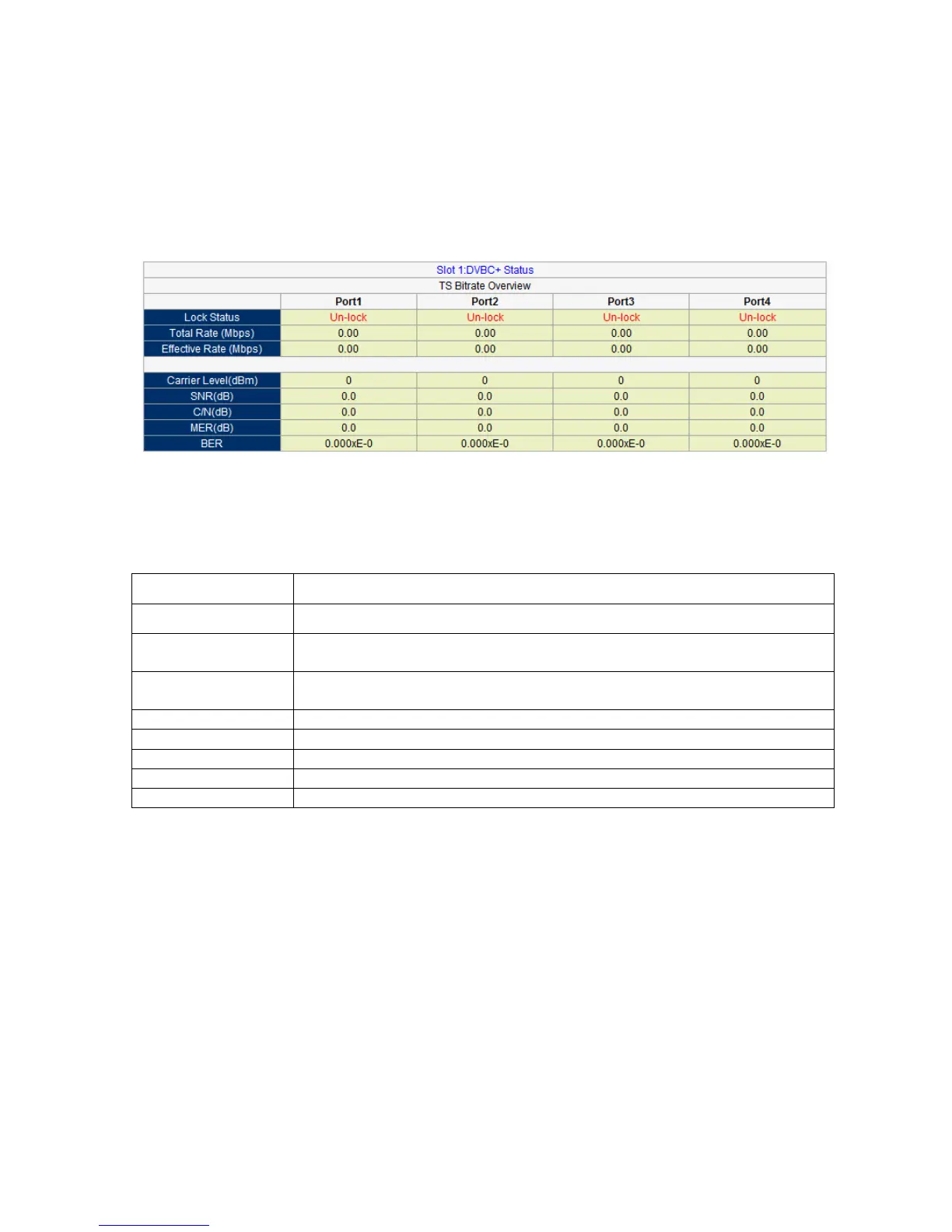
Go to “Status” tab and click sub-tab “DVB-C”. The parameters of this part are derived from the
input signal; they will be gotten automatically when the input signal is available, and cannot be
changed by the user.
Pic-3.1-22
Introduction to the parameters of status:
Indicate whether a cable signal is locked.
Indicates the total bit rate of input signal, including the valid and null
packet. The unit is Mbps
Indicates the bit rate of valid packet (excluding the null packet). The unit
is Mbps.
Indicates the carrier level.
Indicates the real-time bit error rate.



 To Next Page