32
3.1.4.2 DVB-T Receiving Module
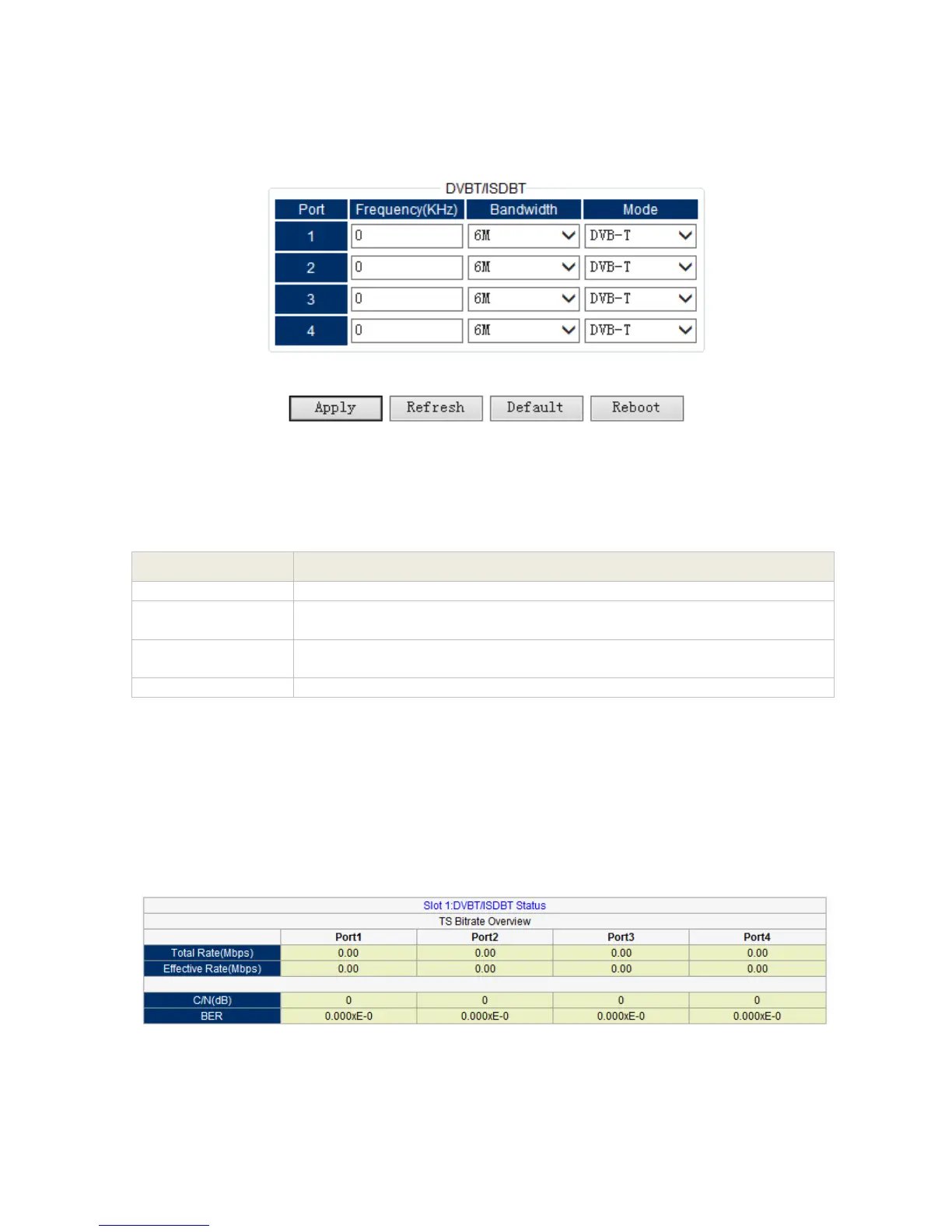
Setting
Pic-3.1-23
Below are the key parameters:
Indicates which input port the channels comes from
Input the frequency of being used by the content provider which you
want to receive programs. The unit is MHz
Bandwidth depends upon the current standards on different countries,
but it is variable at 6 MHz, 7 MHz, and 8MHz.
Indicates which signal you want to received ( ISDB-T / DVB-T)
After setting all parameters, press ‘Apply’ button to save the settings.
Status
Go to “Status” tab and click sub-tab “Receiver-T”. The parameters of this part are derived from
the input signal; they will be gotten automatically when the input signal is available, and cannot
be changed by user.
Pic-3.1-24



 To Next Page