38
‘Input’ Setting
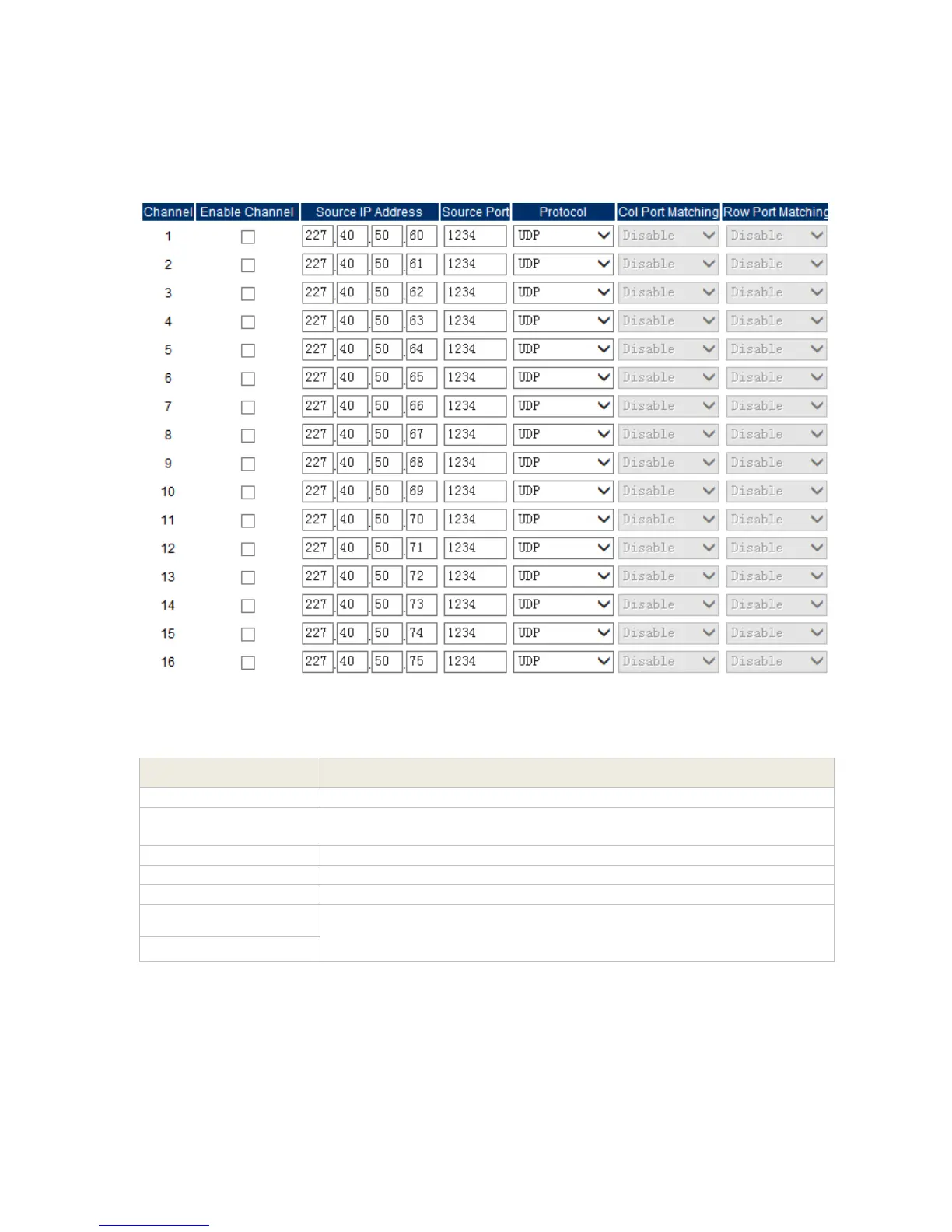
The ‘Input’ setting menu is to set the IP input function for receiving multicast or unicast IP
stream.
Pic-3.1-30
Indicate which channel you are configuring.
If check this option, the IP receiving function of corresponding
channel is enabled, otherwise, it is disabled.
Set the IP address of the multicast/unicast that are going to receive
Set port of multicast/unicast
Select UDP/RTP for multicast/unicast
If the output IP stream quality looks not as good as the input stream,
user can select to ‘Enable’ these two options then to enable the FEC
function.
After setting all the parameters, you should press ‘Apply’ button to save the settings.



 To Next Page