37
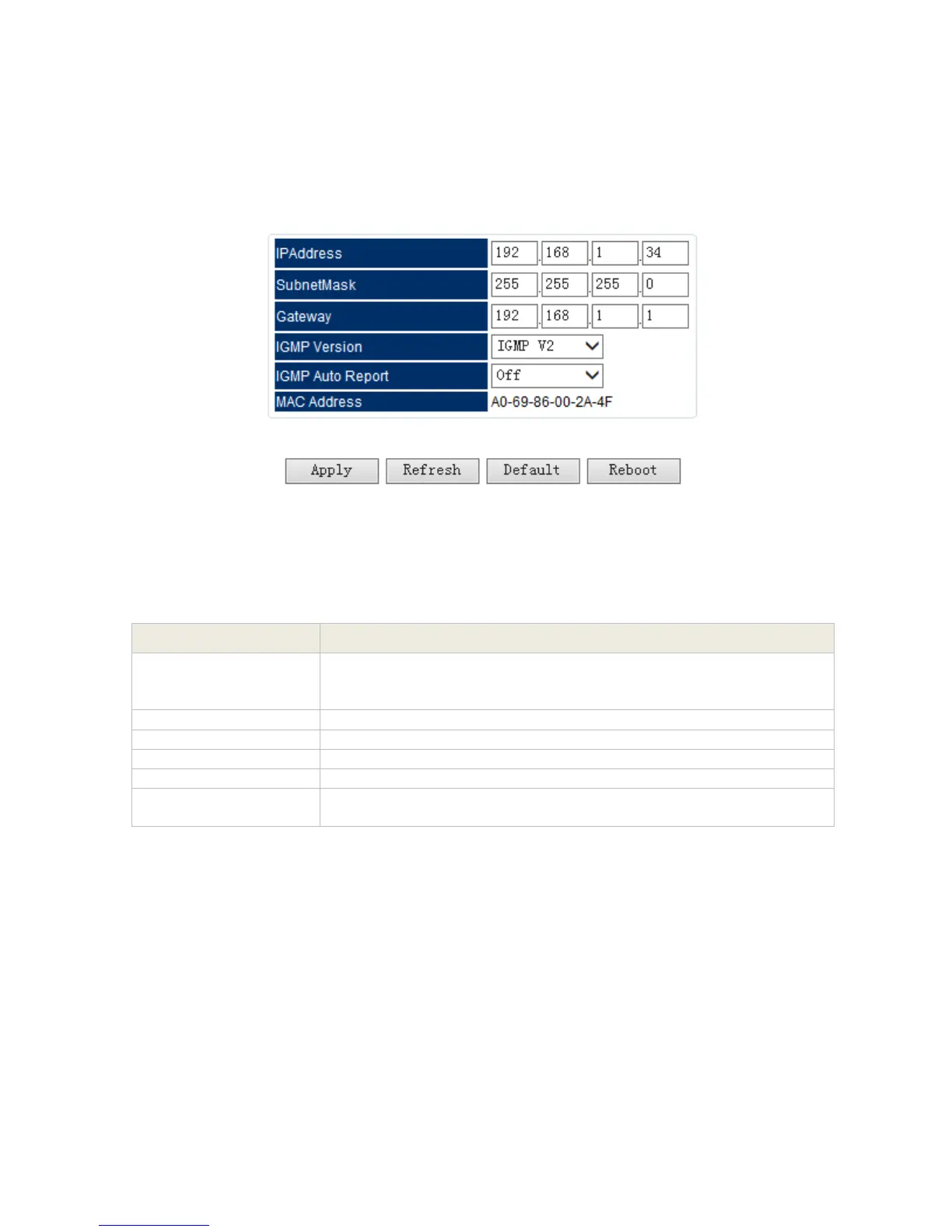
‘Setup’ Setting of the IP I/O Module
In the ‘Setup’ setting menu, user need to set correct parameters for the IP module such as the
IP address, subnet Mask, Gateway, etc, so that the module can work normally in the network.
Pic-3.1-29
Set IP address of IP module. The IP address of IP module is used for
communication with CAS server that should be in the same IP
section with IP address of the equipment
Set Subnet Mark of the IP module
Set Gateway of the IP module
MAC address of the IP module
Set IGMP Version for multicast. The IGMP version setting should
match the IGMP version of the switch in the network.



 To Next Page