36
Below are the key parameters:
Set each ASI port to be Input or Output.
Set constant bitrate for ASI output.
Note: For the input parameters, it is automatically obtained by the NMS when connected
with the input signal. It is not editable.
Status
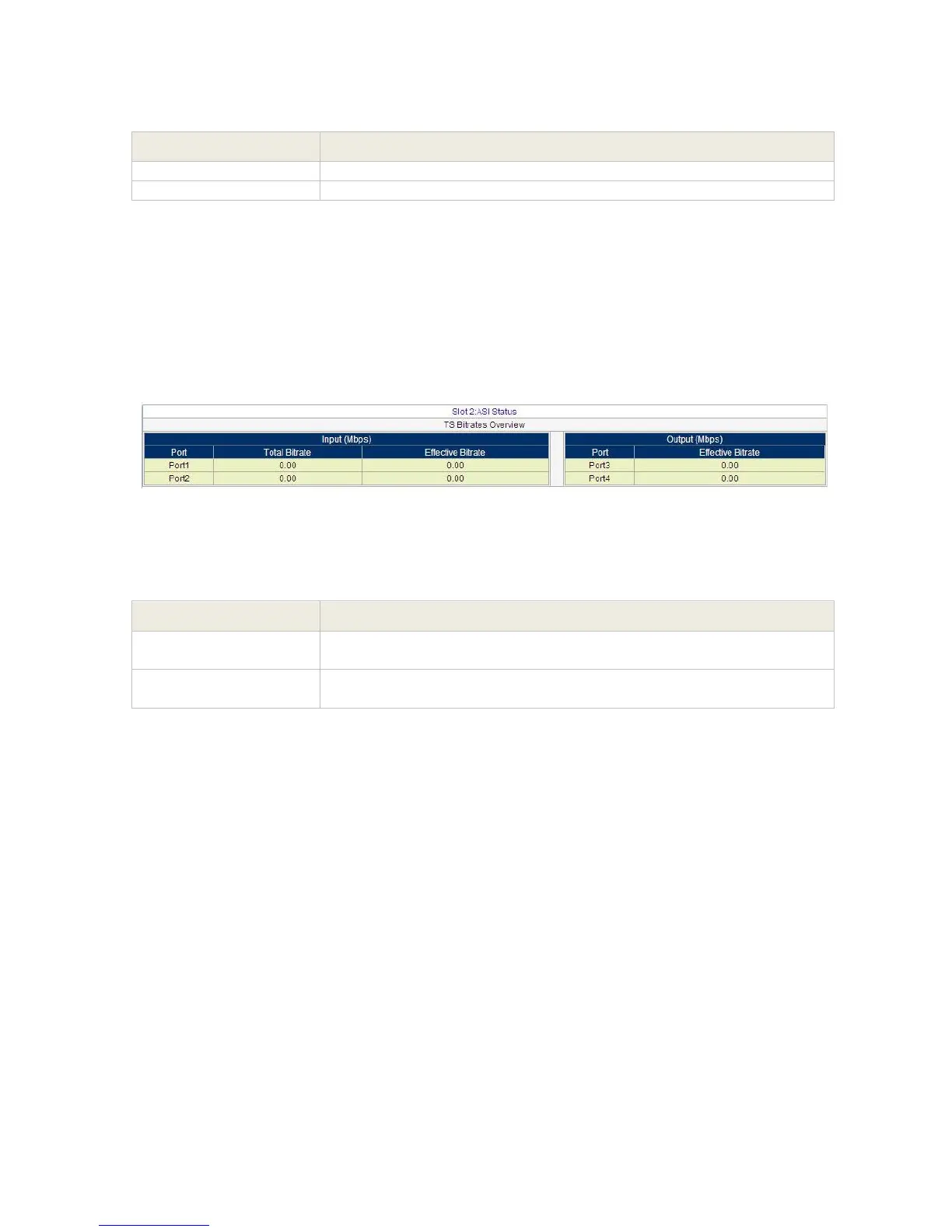
Go to “Status” tab and click sub-tab “ASI”. The parameters of this part are derived from the input
signal; they will be gotten automatically when the input signal is available, and cannot be
changed by the user.
Pic-3.1-28
Introduction to the parameters of status:
NOTE:
Once the settings is properly configured, when the source what inserted on the
proper port, a data will automatically appear on the specific port.
If no data, please check the source if it really has an output or it can be a loose
contact.
3.1.4.5 GbE IP I/O Module
The IP module is equipped with two RJ45 connectors and two SFP connectors. These two
types of connectors cannot be used simultaneously. For both the RJ45 connectors or SFP
connectors: the left one is for the IP stream input/output; The other is for stream output only,
and it is as the backup output when you set the left port as output mode.
The settings on the IP module include the settings on the ‘Input’, ‘Output’ and ‘Setup.
Indicates the total bit rate of input signal, including the valid and null
packet. The unit is Mbps
Indicates the bitrate of valid packet (excluding the null packet). The
unit is Mbps.



 To Next Page