46
Pic-3.1-38
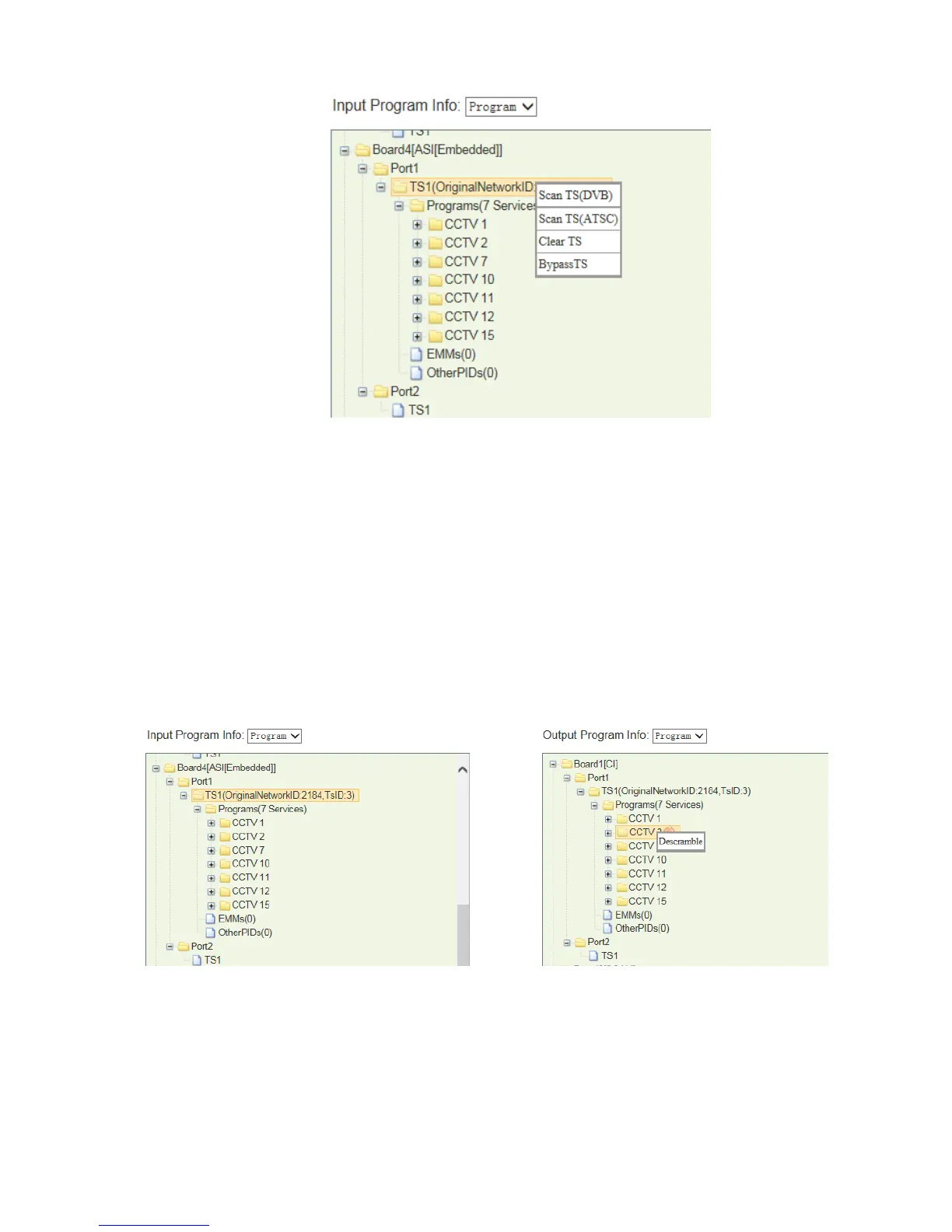
Right click on the TS in which there is (are) channels need to be decode, and select
BypassTS.
Then transfer the whole TS to the CI module, and select program(s) need to be
decoded from the TS, and right click on the program and select Descramble.
2. Use the right mouse button to click on the transferred program, and select
“Descramble” menu.
Pic-3.1-39
To cancel the descrambling operation on a program, just use the right mouse button
to click the descrambling program and select menu “Non-descramble”.



 To Next Page