62
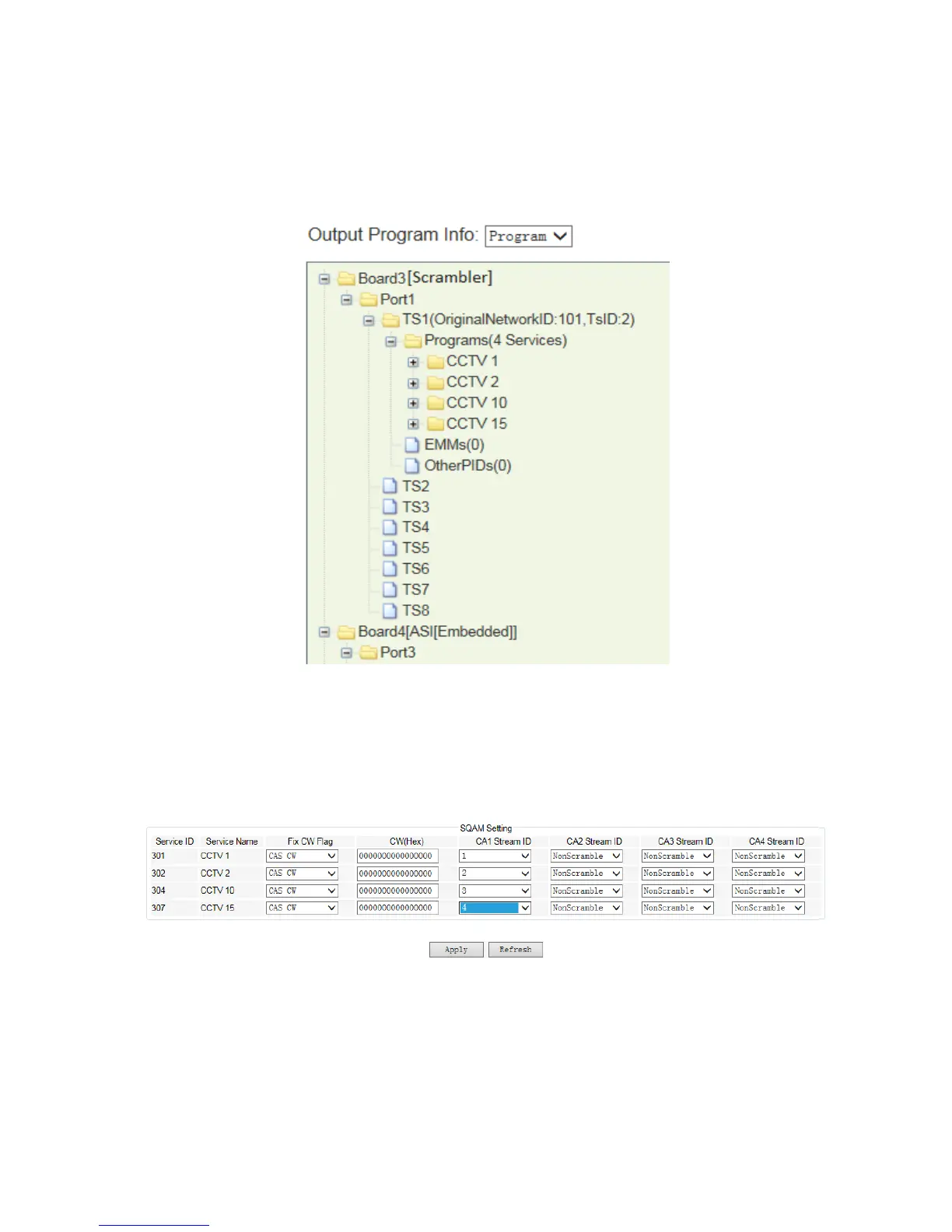
Edit the Network ID, TSID for the selected program, same as the setting in the CAS server
for that program. Select the program name and click mouse right button to select
“Scramble Setting”.
Pic-3.1-58
In the “Scrambler Setting” window, select an AC Data we previously input and click “OK” to
bond with the selected program.
Pic-3.1-59
The scrambling program stream will be automatically transferred to the Scrambler module
in the “Input Program Info” window for transmission. Select the program we just scrambled
in the Scrambler module in “Input Program Info” window, and transfer it to any transmission



 To Next Page