68
Level 0 means mute while level 49 is the Max. volume output.
To select the video standard. Options as available for:
NTSC/PAL.
Set the GOP size, range from 0~255
Set the GOP struct, options:
IBBPBBPBB/IPPPPPPPP/IIIIIIIIII/IBBPBBPBB
Aspect Ratio Conversation
To adjust the latency between input and output.
To adjust the latency between input and output.
To set the output video resolution the same as input video
resolution.
After setting all the parameters, you should press ‘Apply’ button to save the settings.
Status
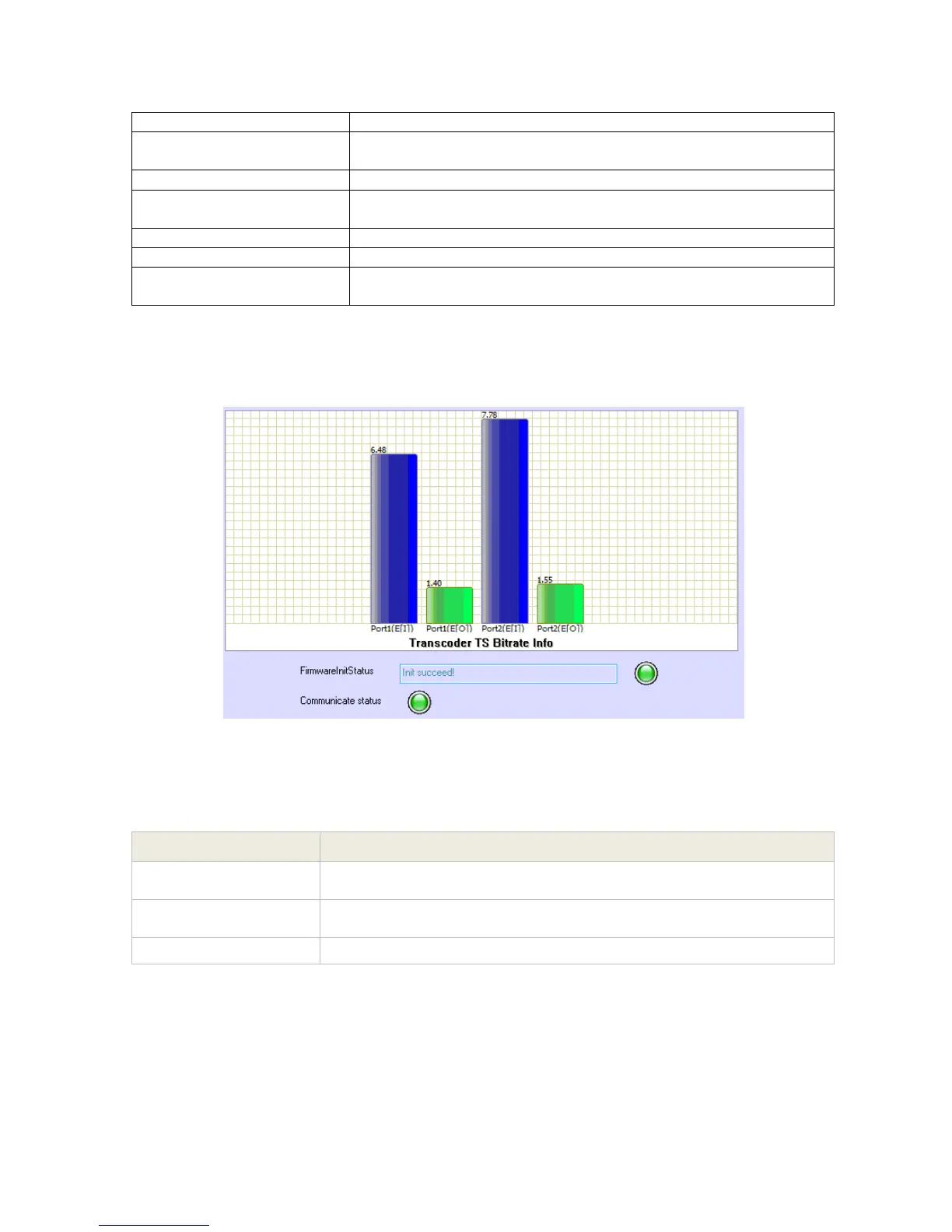
Pic-3.1-65
Introduction to the parameters of status:
Note:
(1) Each transcoder module has 4 channels (channel1 to channel 4), each channel can
only transcode 1 program.
Indicates the total bit rate of input signal, including the valid and null
packet. The unit is Mbps
Indicates the bit rate of valid packet (excluding the null packet). The
unit is Mbps.
the status indicates if the firmware is initiated successfully



 To Next Page