70
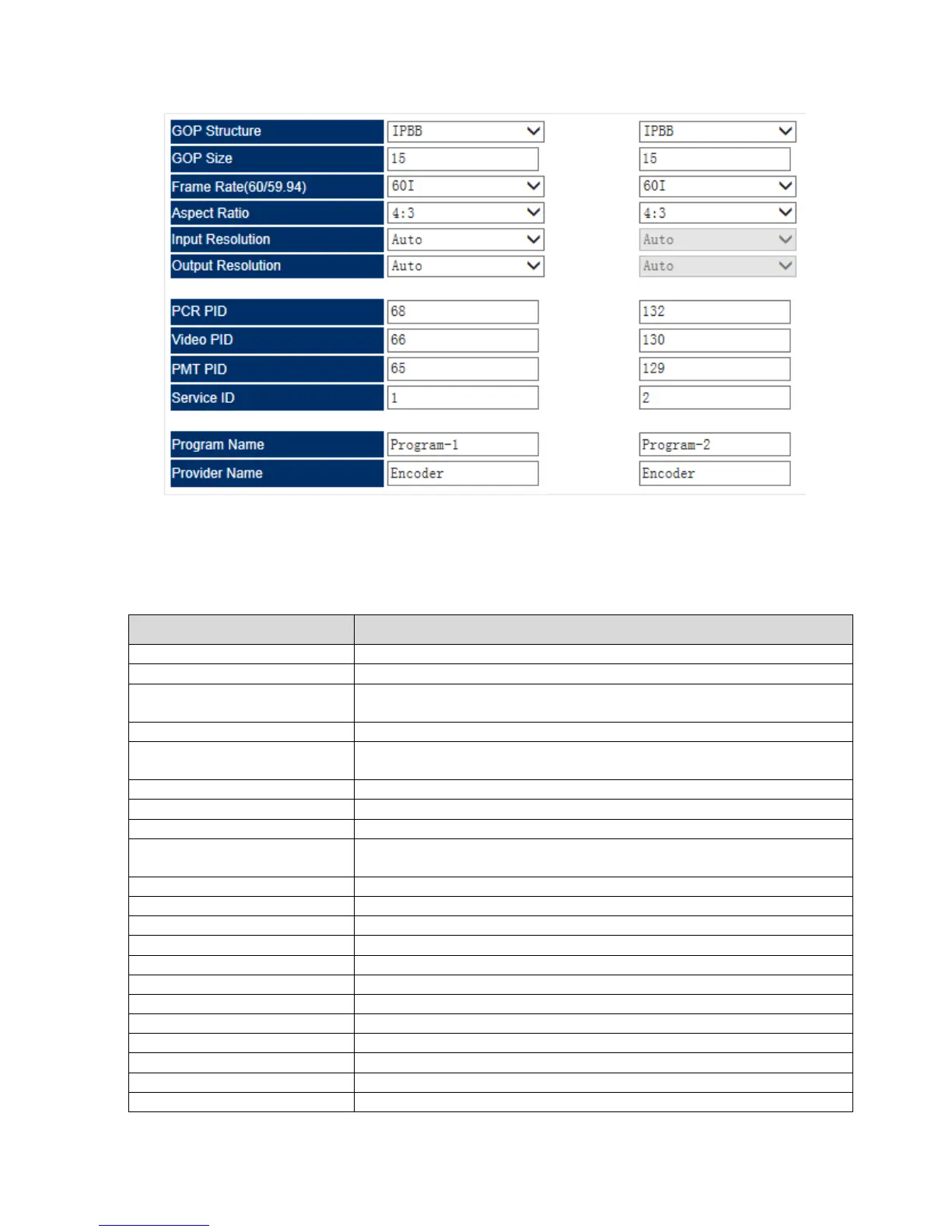
Pic-3.1-67
Below are the key parameters:
Indicates which input port the channel comes from.
To select the correct video source for the input.
To select the video encoding format,
available options include: MPEG-2 and H.264
To set the encode rate for CBR mode.
Select encoding mode,
available options include: CBR and VBR
To set the upper limit of encode rate for VBR mode.
To set the bottom limit of encode rate for VBR mode.
To select the correct audio source for the input.
To select the audio encoding format,
available options include: MPEG-1 Layer II and AAC
To choose the encoding bitrate for the audio.
To assign the audio to a certain program.
To select the Audio Mode.
To select the Frame Rate.
To select the Aspect Ratio.
To select the Input Resolution.
To select the output Resolution.



 To Next Page