1804/2019 - EN/V9 Technetix Group Limited
Product user manual
DBE-1200S
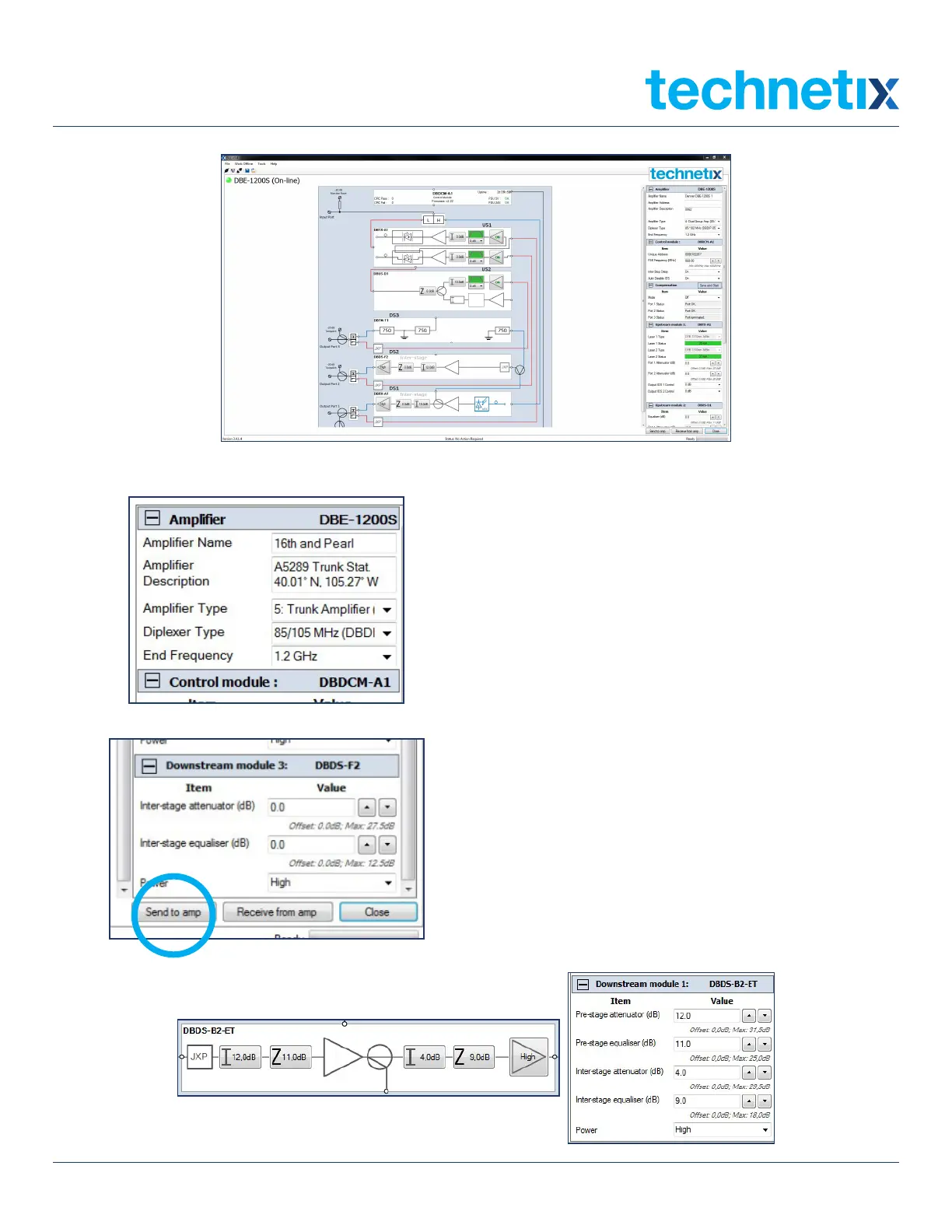
BLx Screen when connected to DBE-1200S optical node (hybrid)
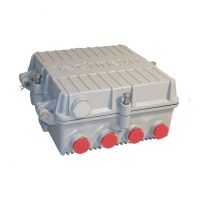
2. Set the Amplifier Type (End, Single, Group, Trunk
etc.) to its respective application followed by the
Diplexer Type and the upper equalizer hinge point,
End Frequency.
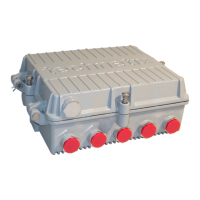
Once these values are set in the application, click on
Send to amp (on the bottom right of the screen, at
the left side of the control panel) to set these values
electronically.
3. The downstream Inter-stage equalizer and Inter-
stage attenuator can be set as required by the
network/system design documentation in two ways.
You can set them in the amplifier schematic
inter-stage tabs or in the table to the right of the
application screen (see the screen shot below).
Once the values are set in the application, click
on Send to amp to set these values electronically.


 To Next Page